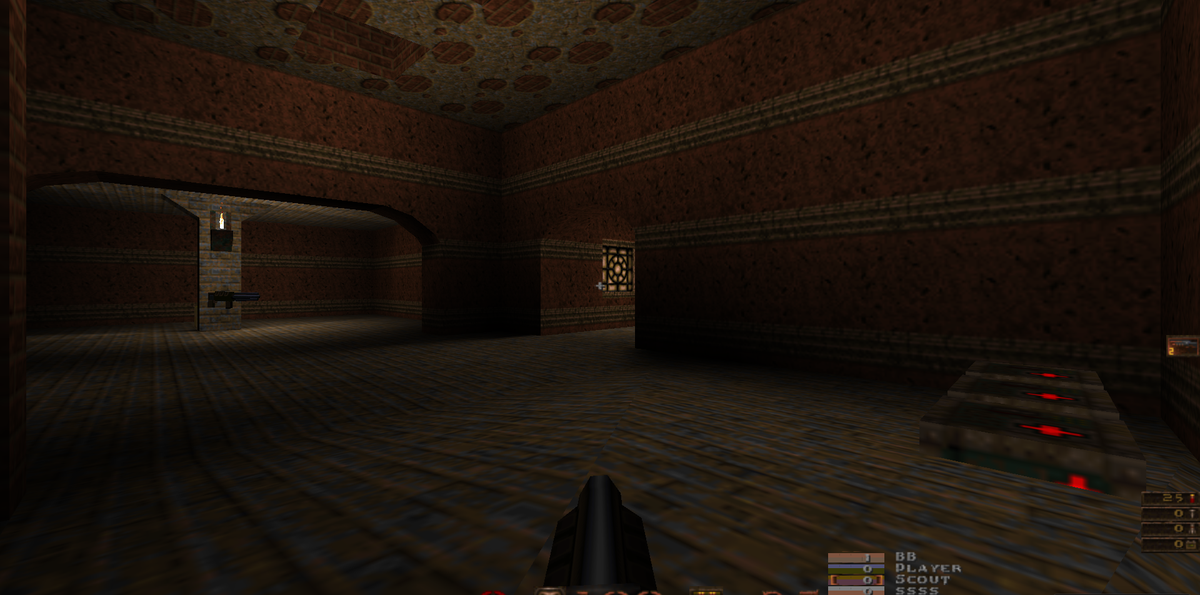
INDEPENDENT GAME DIRECTORY
Radiant Optimizer Browser Games
The browser games people look for alongside Radiant Optimizer, with original project links, setup guides and honest check results.
An independent TabGameHub selection; Radiant Optimizer itself is a separate Windows app.
THE GAME LIST
How we check games Browse the games.
Choose a game, then open its original site or read the guide.
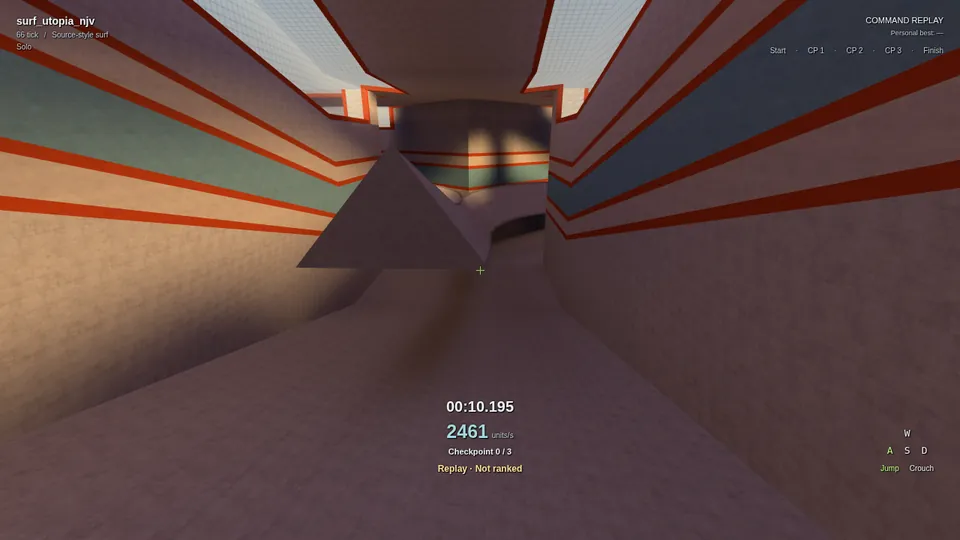
Surfd
Movement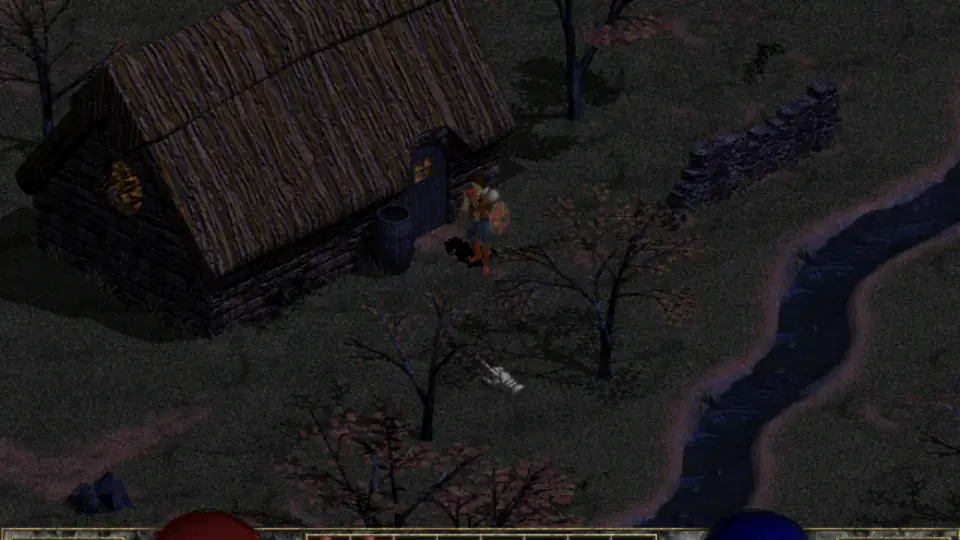
Diablo Web
RPG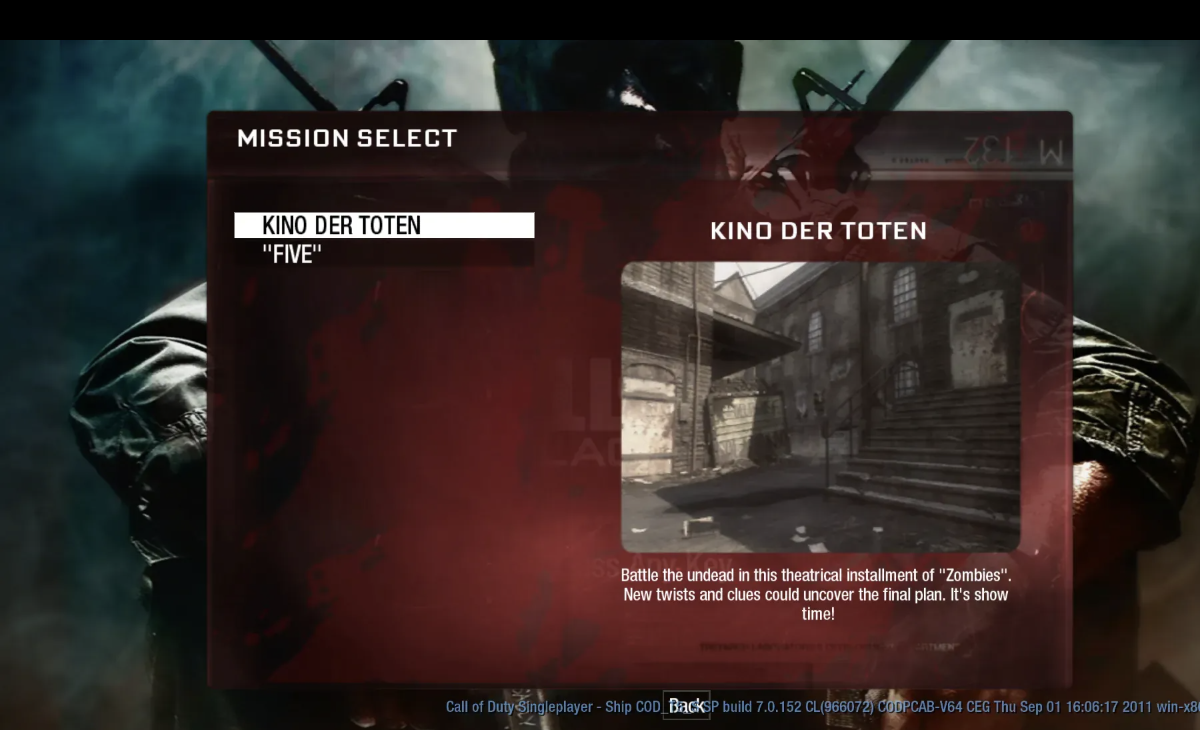
Black Ops Zombies
Shooter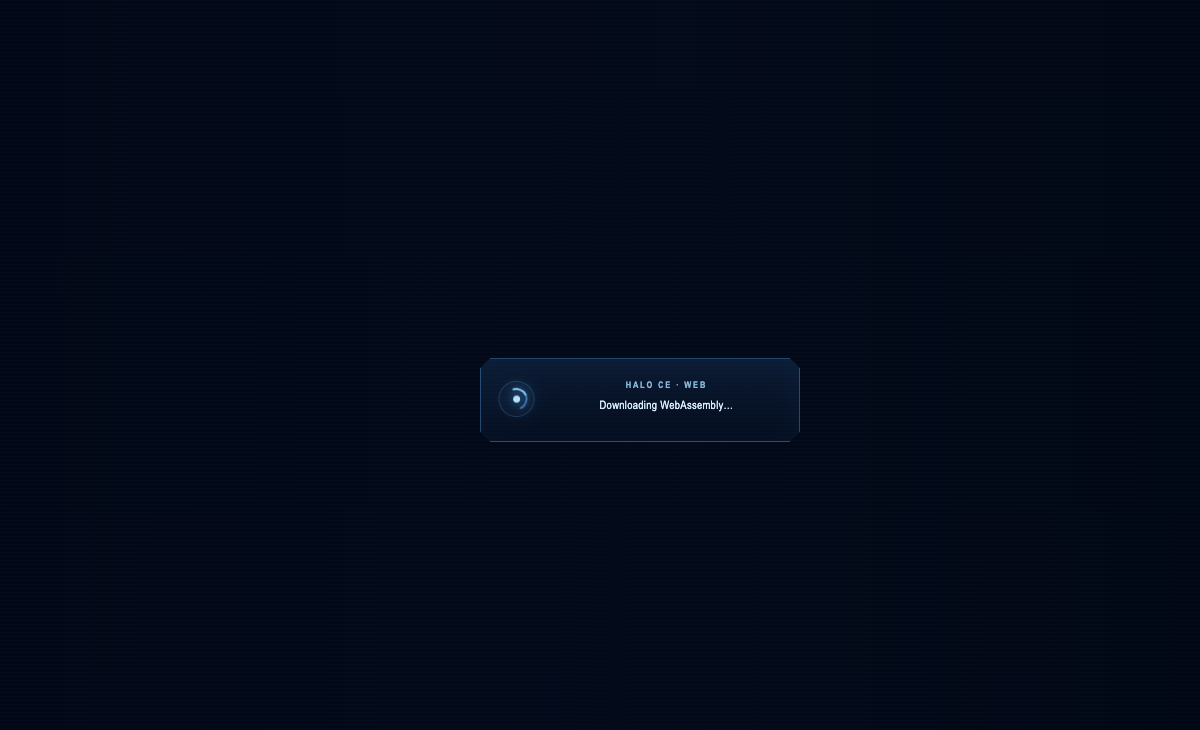
Halo: Combat Evolved Web
Shooter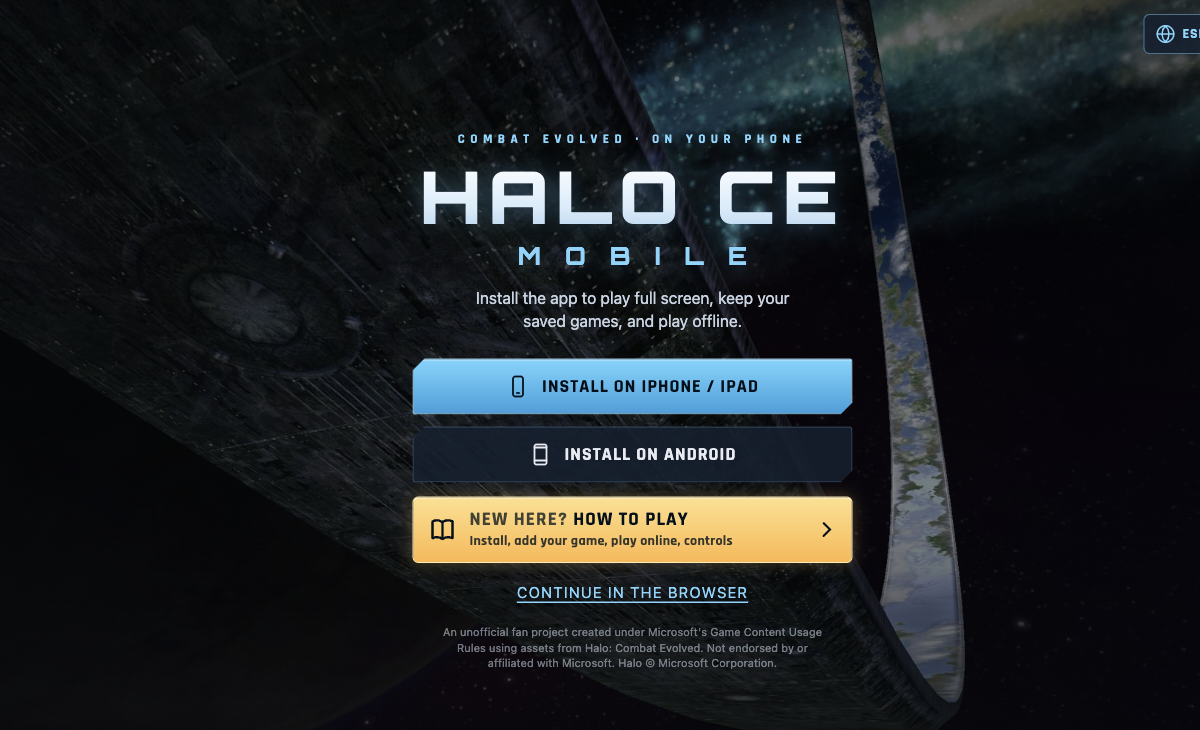
Halo CE Mobile
Shooter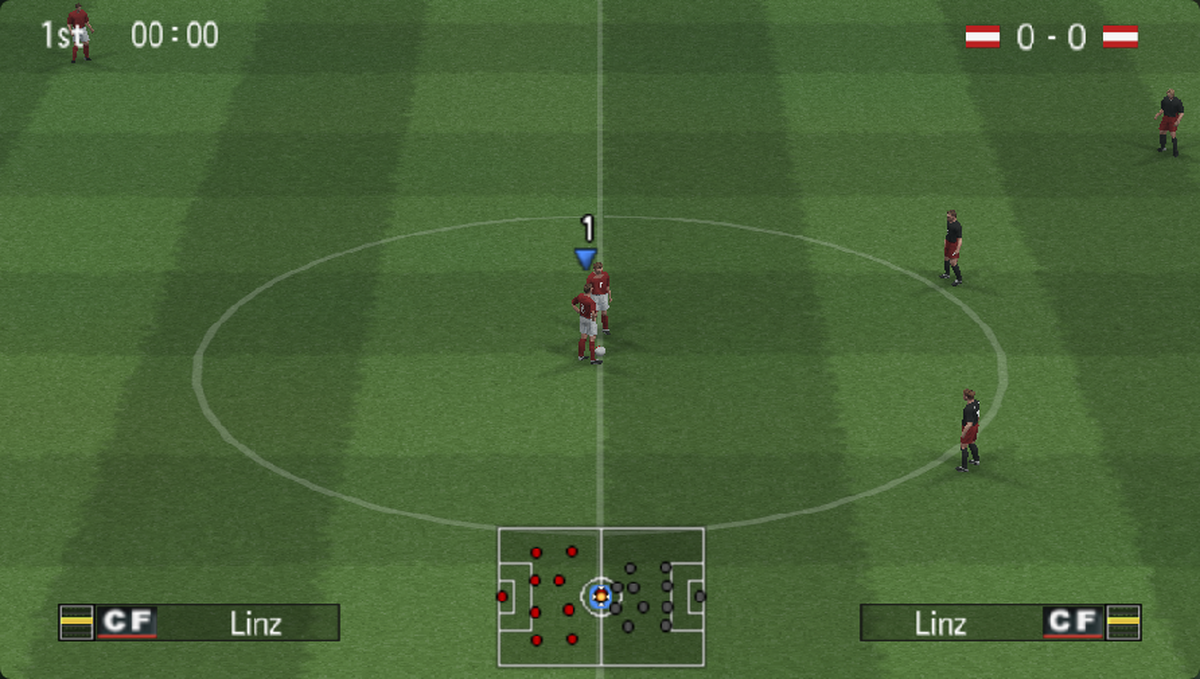
PES 6 Web Online
Sports
Quake II
Shooter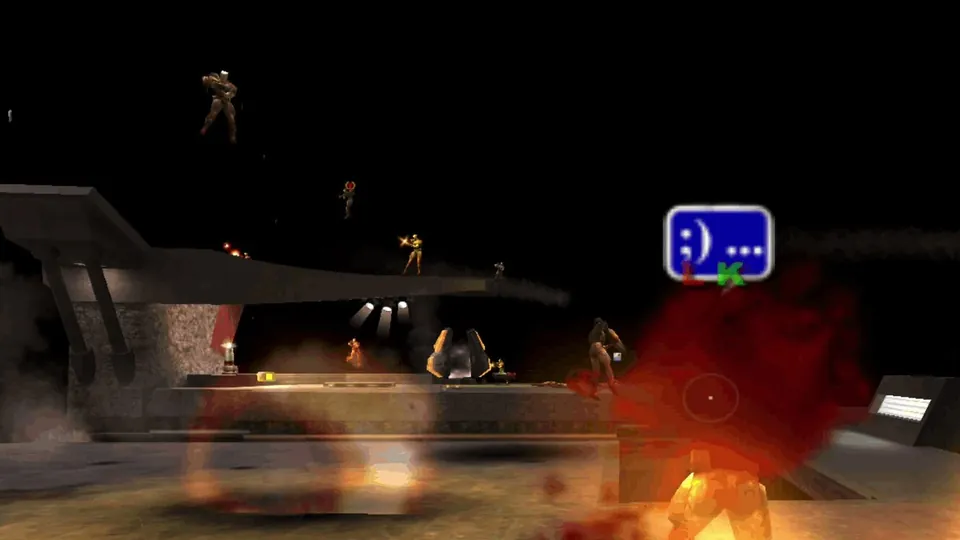
Quake III Arena
Shooter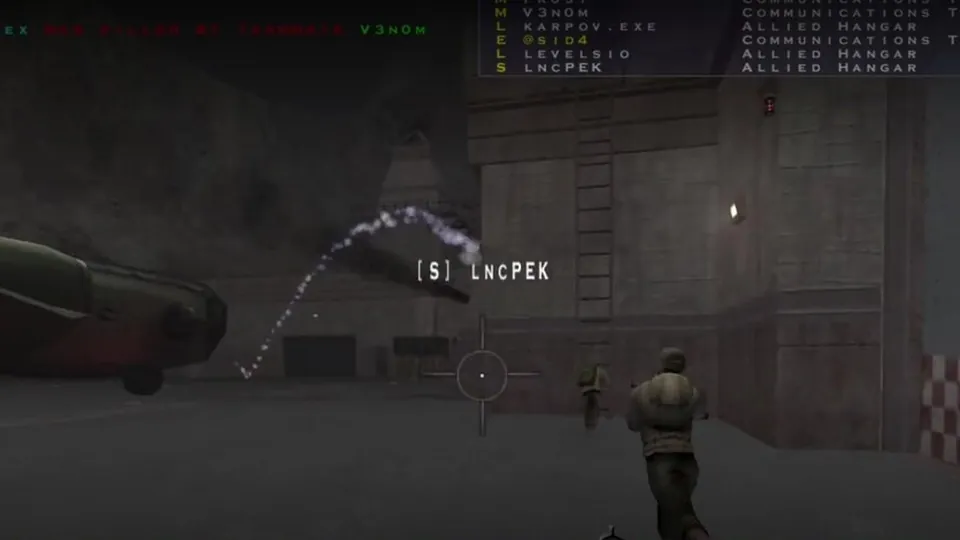
Return to Castle Wolfenstein
Shooter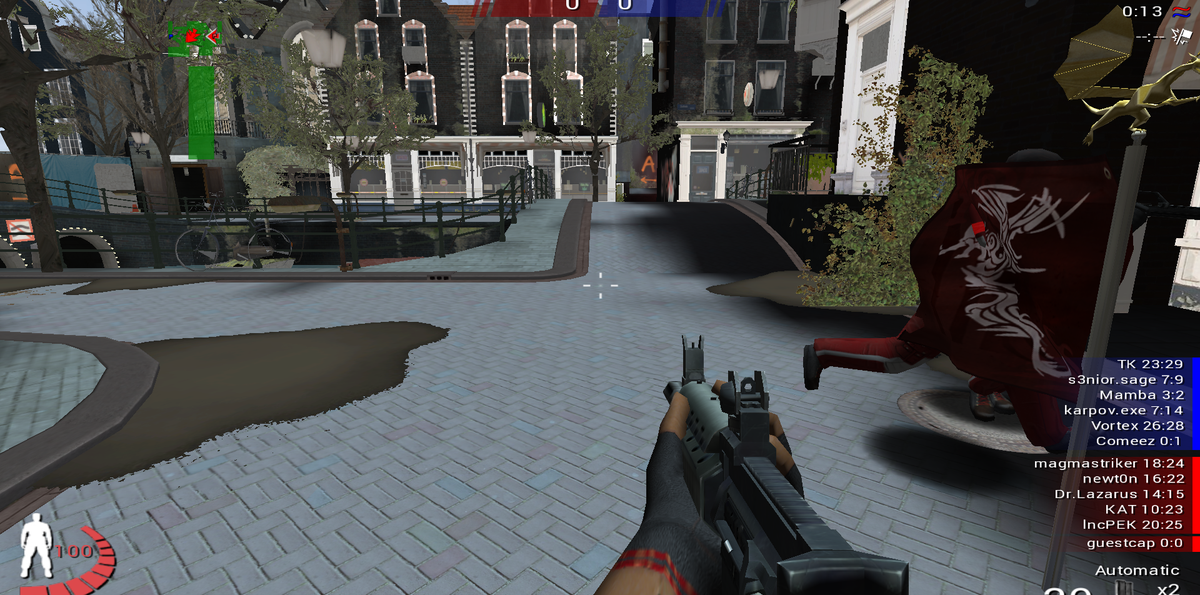
Urban Terror
Shooter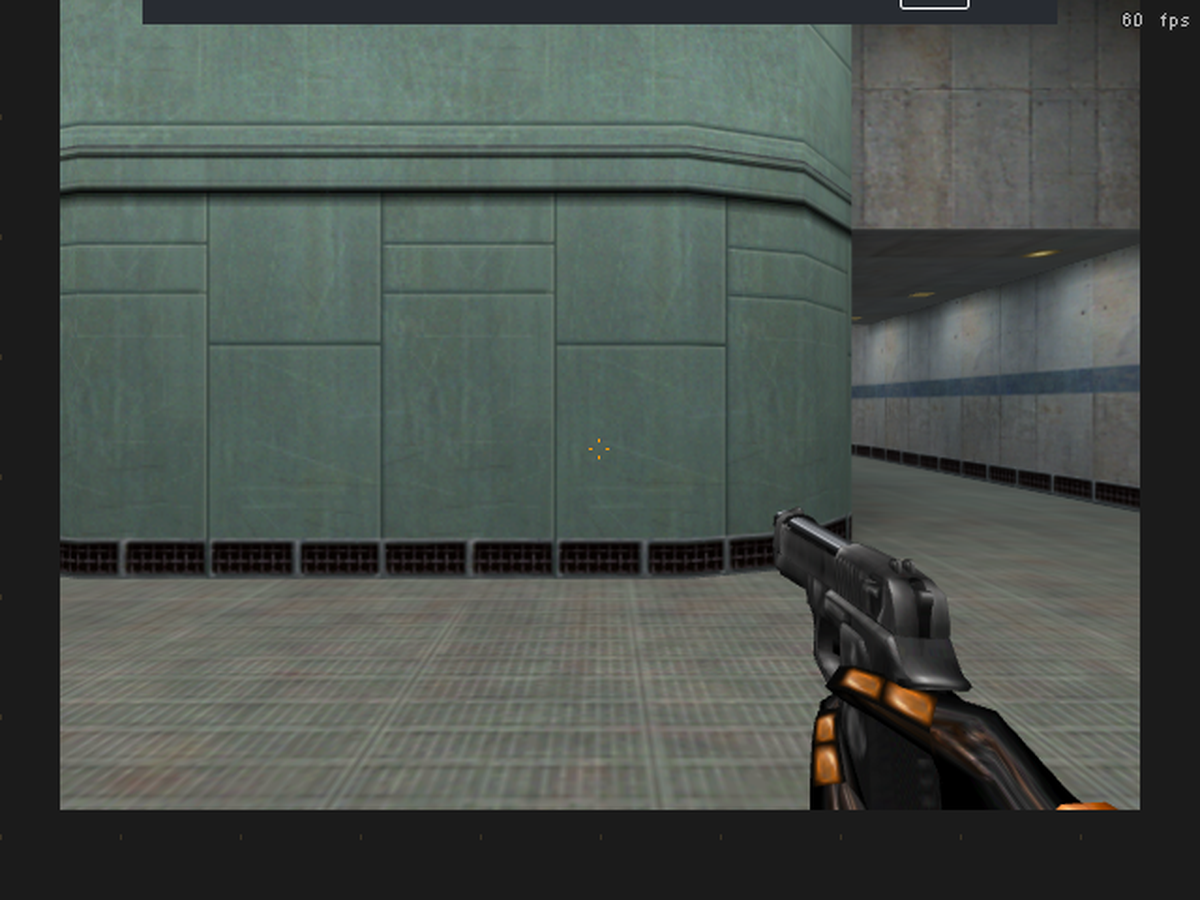
Half-Life Web (Pixelsuft)
Shooter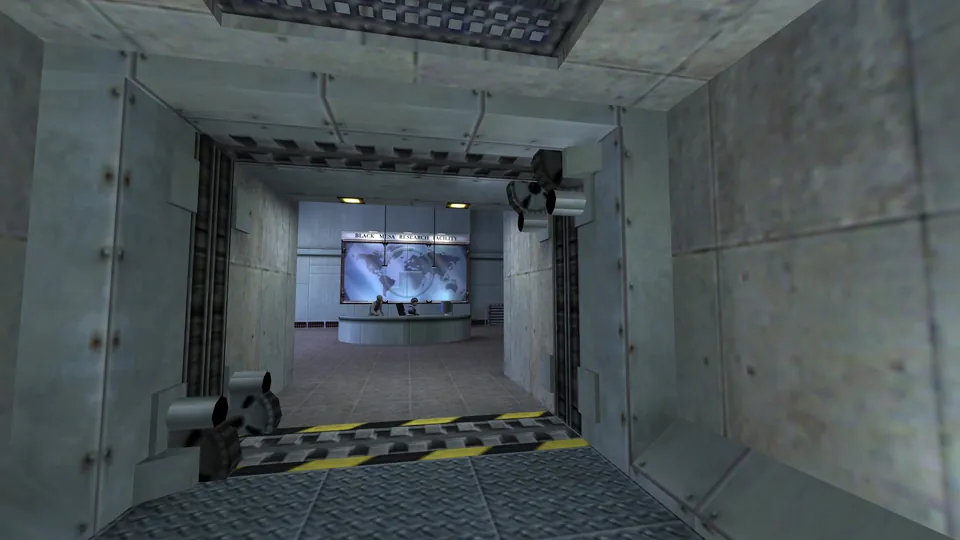
WebXash — Half-Life / CS 1.6
Shooter
Skate × Rust
Sports
GTA: Vice City Web
Action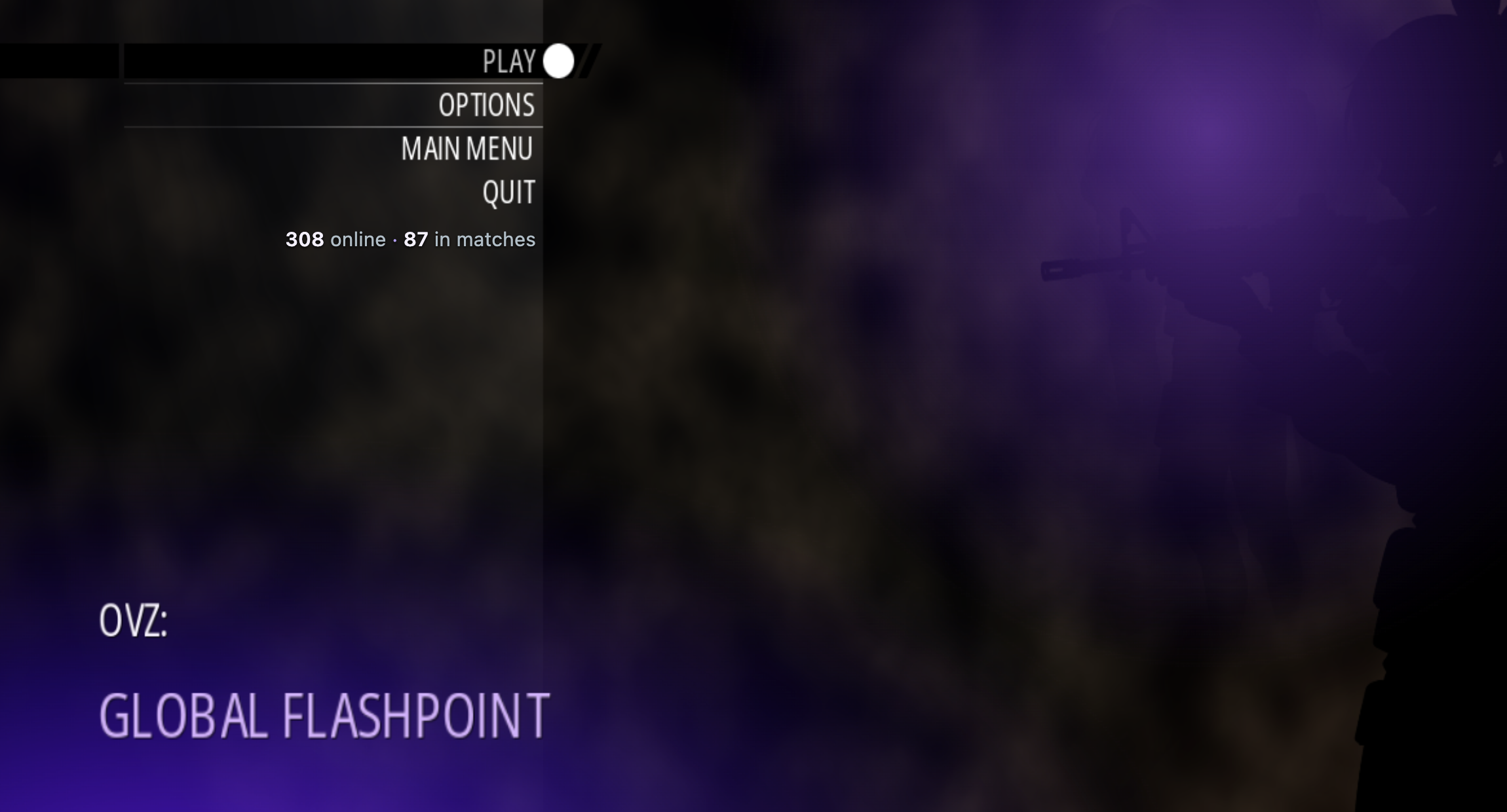
OVZ: Global Flashpoint
Shooter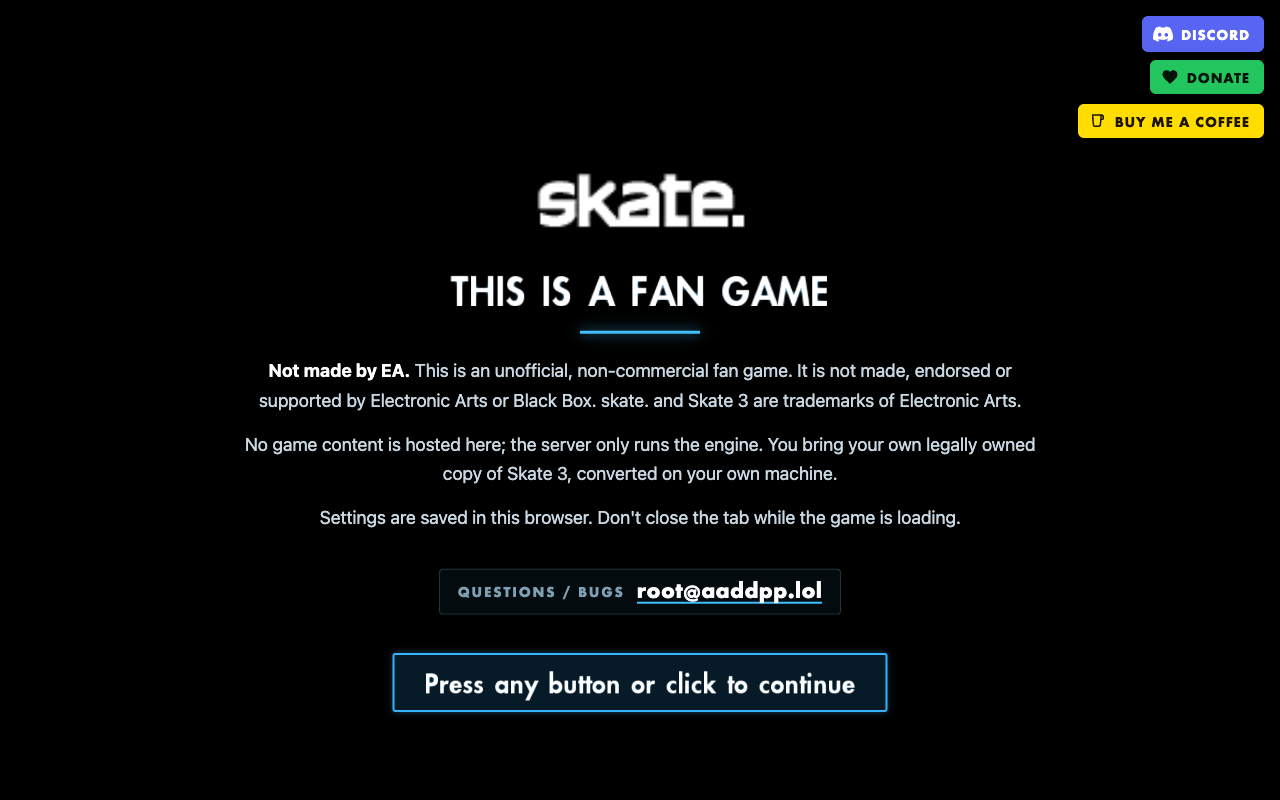
Skate 3 fan project
SportsDetails
Start page captureAn unofficial Skate 3 fan project with an own-copy notice and a Press START screen. The project requires legally owned game data converted on your own machine; desktop gameplay and controller support remain untested.
Device support: untestedFull game: own files
The Simpsons: Hit & Run
ActionCaptures show the original project pages or menus. Each guide records our check, startup steps and device limits. Games open on their own sites.
See what each check actually covered.
The collection now covers shooters, movement, RPG, sports and action projects. Most entries have a page-level check; QuakeWorld, Surfd, the Skate 3 fan project and The Simpsons: Hit & Run reached menus or start screens. Each guide records the exact scope. Read the method.
BEFORE YOU STARTChoose the right
Choose the right
starting point.
Our candidate collection came from the project’s earlier research into games associated with Radiant. We have not independently established the original social post or a complete original list.
Prefer to browse by type? Compare the three Quake projects on Play Quake in your browser, see every browser FPS game including Return to Castle Wolfenstein, OVZ: Global Flashpoint and the Surfd CS surf project, or try open-world ports like The Simpsons: Hit & Run in action and open-world games.
Looking for the software?01
Project identity
Surfd is a surf project, not a complete Counter-Strike port. QuakeWorld is an unofficial community entry. Names alone do not establish a full commercial game.
02
Requirements
Check each guide. Full Diablo content requires your own original archive; its limited demo is a separate option. Unknown account and device requirements stay unknown.
03
When a link changes
Use the original project’s current instructions. We do not silently swap a failed entry for an unverified mirror. Report the page and error through our contact page.
BEFORE YOU PRESS PLAY
TabGameHub editorial · Updated 2026-11-24Know where to start.
Project-specific entry notes, controls and file requirements.
SOURCED SETUP NOTES
Play QuakeWorld in Your Browser: Setup Guide
Open the QuakeWorld browser project at q1.pieter.com, enter a player name and reach the menu. Connection steps, controls check and setup notes.
Read the guide
SOURCED SETUP NOTESSurfd Browser Surf: Maps, Controls & First Run
Start Surfd in Solo mode, choose a surf map and learn the project’s keyboard and mouse controls. Includes windowed-mode notes and a first-ramp tip.
Read the guide
SOURCED SETUP NOTESDiablo Web: Free Demo or Your Own MPQ?
Choose Diablo Web’s free limited demo or load your own legally obtained DIABDAT.MPQ. Covers startup, first download and what to report if loading stalls.
Read the guide
SOURCED SETUP NOTESCoD Zombies in Browser: BO1 Zombies on vel.gg
Play CoD Zombies in your browser: Black Ops Zombies on vel.gg has a map picker for Kino der Toten, Five and Moon. NZ: Portable is another fan option.
Read the guide
SOURCED SETUP NOTESHalo CE Web: Browser Start & Setup Guide
Halo: Combat Evolved in your web browser via Mitchell Hynes’s project: load the WebAssembly engine, focus the game and use the WASD and mouse key map.
Read the guide
SOURCED SETUP NOTESHalo CE Mobile: Browser Start & Setup Guide
Halo CE Mobile is a fan-made Halo browser project with touch and controller options. Import your own Xbox Halo disc; campaign needs no online account.
Read the guide
SOURCED SETUP NOTESPES 6 Browser: Free No-Install Play & Controls
Play Pro Evolution Soccer 6 (PES 6 Web Online) free in your browser with no install: fastest no-commentary load option, keyboard/gamepad controls & tips.
Read the guide
SOURCED SETUP NOTESQuake II: Browser Start & Setup Guide
Unofficial Quake II multiplayer in the browser via FTE QuakeWorld. Its start page asks for a player name and describes matches for up to eight players.
Read the guide
SOURCED SETUP NOTESQuake III Arena: Browser Start & Setup Guide
Quake III Arena in your browser: an unofficial multiplayer project with a name-entry launcher, current map details and live player listings.
Read the guide
SOURCED SETUP NOTESReturn to Castle Wolfenstein: Browser Guide
The mp_beach multiplayer browser project built with iortcw. Its host warns of an initial download of about 380 MB and recommends desktop Chrome.
Read the guide
SOURCED SETUP NOTESUrban Terror: Browser Start & Setup Guide
Urban Terror multiplayer in your browser through an unofficial preservation project: enter a player name, choose Play and let the map data load.
Read the guide
SOURCED SETUP NOTESPlay Half-Life in Browser: Xash3D Web Setup
How to run Half-Life in your browser with Pixelsuft's Xash3D WebAssembly launcher: IndexedDB saves, server packages vs your own Valve ZIP, and setup steps.
Read the guide
SOURCED SETUP NOTESWebXash: Half-Life & CS 1.6 Browser Guide
A WebXash frontend for Half-Life and Counter-Strike 1.6. Full games use your own valve/cstrike folders or ZIP; Half-Life demo choices are also listed.
Read the guide
SOURCED SETUP NOTESSkate Rust Browser Game: Start & Controls
Play Skate Rust (Skate × Rust) in your browser—no Skate 3 files needed. Load steps, WASD controls, skating vs first-person (G) and Skate 3 differences.
Read the guide
SOURCED SETUP NOTESGTA: Vice City Web: Browser Start & Setup Guide
GTA: Vice City in your browser: an unofficial WebAssembly port that imports game.tar.gz from your own copy and keeps saves locally. We host no game files.
Read the guide
SOURCED SETUP NOTESSkate 3 Fan Game in Browser: Setup & Free Alt
Run the Skate 3 browser fan project at skate3.org with your own PS3 files, or play Skate × Rust right away with no game files needed. Setup and FAQ.
Read the guide
SOURCED SETUP NOTESThe Simpsons: Hit & Run: Browser Start Guide
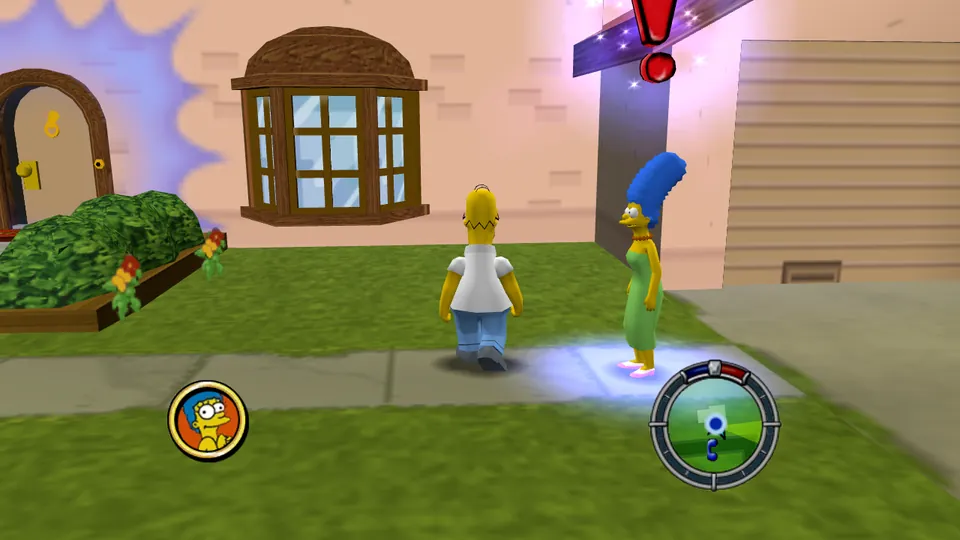
The Simpsons: Hit & Run in your browser: an unofficial WebAssembly port. Let it load, press Play and reach the New Game menu without leaving the tab.
Read the guide
SOURCED SETUP NOTESOVZ: Global Flashpoint — Browser Start Guide
Open OVZ: Global Flashpoint (MW2-style Alpha) free in your browser: 10.8 MB initial asset load, Play menu, private match options and setup notes.
Read the guide
GOOD QUESTIONSBefore opening
Before opening
a project.
What are Radiant Optimizer games?
Searches for Radiant Optimizer games usually mean the browser games that come up alongside Radiant. Radiant Optimizer itself is a Windows PC-tuning app, not a game. This page lists those browser games with original project links and setup guides.
Is it Radian Optimizer or Radiant Optimizer?
The software is called Radiant Optimizer (radiantoptimizer.com). “Radian optimizer” is a common misspelling; it points to the same app and the same browser-game searches covered here.
Do I need to buy Radiant Optimizer to play these games?
No. TabGameHub does not require optimization software, membership or an account to browse these links. Each project controls its own requirements.
Are these browser games free?
TabGameHub charges nothing. Each project sets its own terms: the PES 6 Web Online FAQ describes free access, while GTA: Vice City Web needs game data from your own copy. Check the requirements on each guide.
Are these mobile games?
We have not checked mobile gameplay. Surfd’s project specifies desktop keyboard and mouse, while PES 6 Web Online and Halo CE Mobile document touch controls.
Are these the complete original games?
That should not be assumed. Community projects and limited demos are labeled separately, and full original content may require legally obtained files.
Where can I report a problem?
Open Contact & corrections in the footer. Include the project, destination, browser and visible error; do not send private or game-data files.
SOURCES & OBSERVATION DATES
Go straight to the source.
- QuakeWorld browser project Page observed: 2026-10-10
- Surfd project and controls Page observed: 2026-10-10
- Diablo Web start screen Page observed: 2026-10-10
- Diablo Web source and README Page observed: 2026-10-10
- Black Ops Zombies original project Page observed: 2026-10-10
- Halo: Combat Evolved Web original project Page observed: 2026-10-10
- Halo CE Mobile original project Page observed: 2026-10-10
- PES 6 Web Online original project Page observed: 2026-10-10
- Quake II original project Page observed: 2026-10-10
- Quake III Arena original project Page observed: 2026-10-10
- Return to Castle Wolfenstein original project Page observed: 2026-10-10
- Urban Terror original project Page observed: 2026-10-10
- Half-Life Web (Pixelsuft) original project Page observed: 2026-10-10
- WebXash — Half-Life / CS 1.6 original project Page observed: 2026-10-10
- WebXash — Half-Life / CS 1.6 README and setup Page observed: 2026-10-10
- Skate × Rust original project Page observed: 2026-10-10
- GTA: Vice City Web original project Page observed: 2026-10-10
- Modern Warfare 2 candidate collected destination (incomplete check) Page observed: 2026-10-10
- OVZ: Global Flashpoint at the collected MW2 candidate URL Page observed: 2026-10-13
- Skate 3 fan project original project and startup Page observed: 2026-10-10
- The Simpsons: Hit & Run original project and startup Page observed: 2026-10-10