OVZ: Global Flashpoint — Browser Start Guide
Open OVZ: Global Flashpoint in your browser. Find the original game link, download progress, Play menu, audio controls and current setup limits.
By GameHub editorial · Content updated 2026-10-13 · Menu reached 2026-10-13
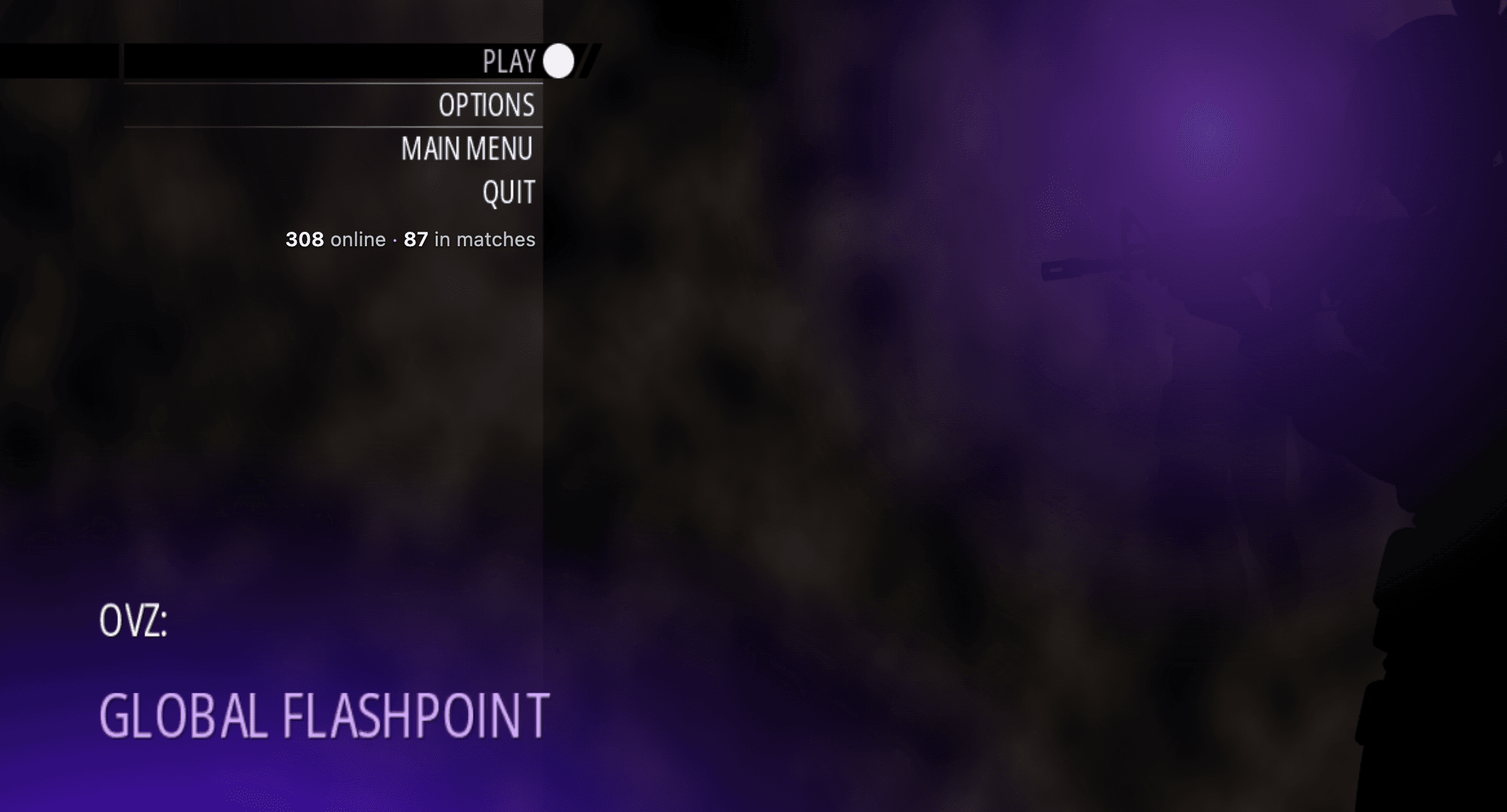 Menu capture
The initial file download reached Ready to play and the original menu remained visible. The cover records this menu. No match, responsive controls, saving, invitations or mobile gameplay was verified.
Requirements and unknowns
What is OVZ: Global Flashpoint?
OVZ: Global Flashpoint is the title currently displayed at the original browser-game address linked above. Its message of the day identifies the project as an Alpha and warns that there will be bugs.
Our earlier collection called this address a Modern Warfare 2 candidate. We now use the name visible on the project itself; this guide does not identify it as the complete commercial Modern Warfare 2 game.
Start from the original project
The game runs on the external project site. GameHub provides this guide and the original link, rather than hosting or embedding the game.
- Open the original project using Play on project site above. The menu opened in our desktop browser without a sign-in or payment step.
- Wait for the Game download panel. It first checks game files, then displays download progress. The menu can appear before this process is complete.
- Read the current message of the day and review the visible Options entry. Our check did not establish every setting or key binding.
- When the download finishes, use Play and follow the current on-screen choices. The project says matchmaking and match start unlock after the download; our recorded check reached Ready to play and stops at the menu.
Understand the first download
Our recorded browser visit displayed a download total of 10.8 MB across 7,491 files. The counter advanced and the panel reached Ready to play before disappearing. These are observed values, not a fixed download size or a promised loading time for future versions.
If the menu appears but you cannot start, check whether the download is still running. If progress stops, note the percentage, file counter, visible error and browser before reporting the problem. We have not established a universal fix for a stalled download.
Menu and audio controls
Use the original project's current instructions for gameplay controls. The following entries were visible at startup; this is not a tested keyboard or controller binding list.
Private matches and invitations
Invite a friend and Private match buttons were visible in the original interface. Their presence describes available entry points; GameHub did not send an invitation, create a private match or verify multiplayer connectivity.
Desktop menu access does not establish mobile or controller support. Check the project's current controls before choosing a device.
What our check covers
On October 13, 2026, GameHub opened the original address in desktop Chromium on macOS, observed the OVZ: Global Flashpoint menu and Alpha notice, and waited for the initial game-file download to reach Ready to play. The cover is an original-site menu capture, not a gameplay image.
Our recorded check did not establish a completed match, responsive movement, saving, account features, invitations or mobile play. A menu check is not a guarantee that the game works on every device or future visit.
Our recorded observation
Desktop Tabbit Chromium on macOS, 1263 × 799; default certificate validation. · 2026-10-13 · Level: menu
- Reopen the original project and observe its OVZ: Global Flashpoint title and Alpha notice.
- Wait until the game-file panel displays Ready to play, then disappears.
- Capture the original title and menu without starting a match.
Destination observed: https://ovz-game-production.up.railway.app/. Access can change after a check; this is not a live status monitor.
Report a problemGo straight to the source.
- OVZ: Global Flashpoint at the collected MW2 candidate URL Page observed: 2026-10-13