Black Ops Zombies: Browser Start & Setup Guide
A browser Zombies project with a map picker for Kino der Toten, Five, Moon and more. Choose a map on the original site; this is not a listing for the full Black Ops campaign.
By GameHub editorial · Content updated 2026-10-10 · Page checked 2026-10-10
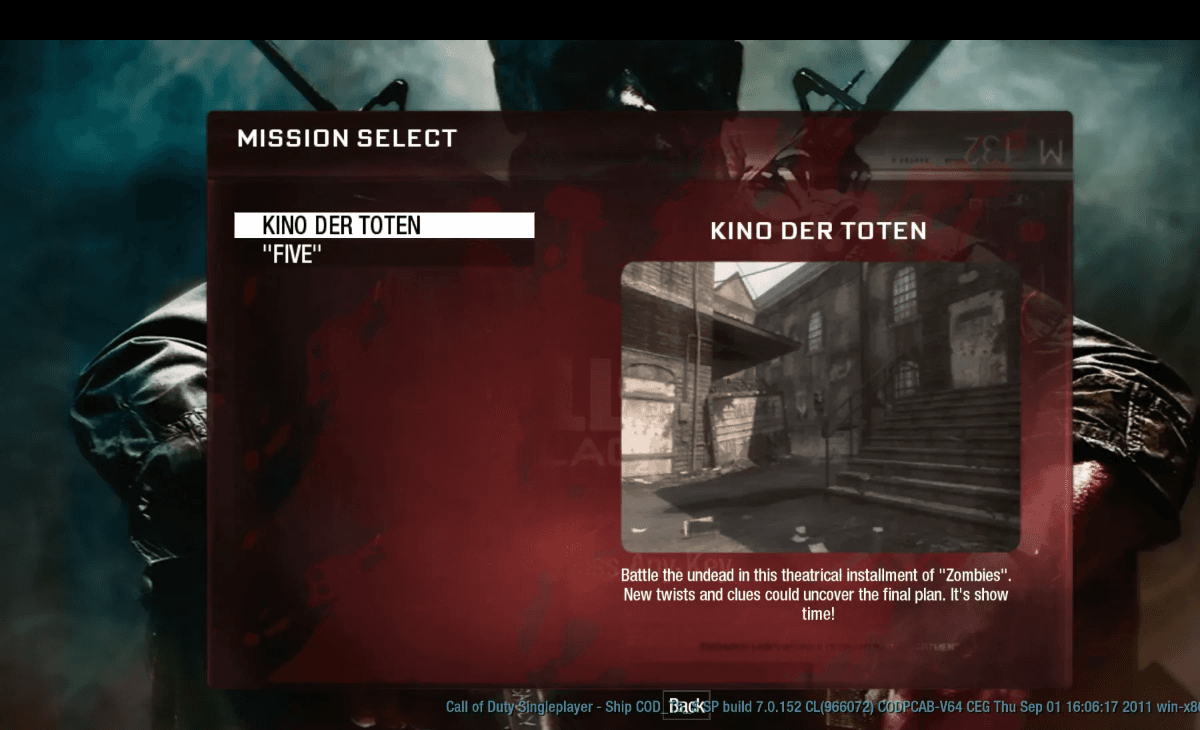 Start page capture
The Zombies map selector rendered with ten map links and the Hell mode switch. No map was launched and no round, account flow or mobile gameplay was checked.
Requirements and unknowns
What this project is
The vel.gg entry is a Zombies map selector. It includes ten named map links and a separate Hell mode switch.
Where to start
Use the original project link above. The game runs on that site.
- Open the original map selector and choose a map, such as Kino der Toten or Moon.
- Leave Hell mode off for a normal first attempt; its description starts at round 100.
- Follow the chosen map’s loading and input prompts. A map picker is not evidence that every map runs.
Before troubleshooting
If one map fails, include its exact destination in a report. Moon and Kino also have separate historical project links; their availability must be checked separately.
Our recorded observation
Desktop Tabbit / Chromium on macOS, 1280 × 800 viewport; entry-page inspection, not a mobile-device test. · 2026-10-10 · Level: page
- Open the original project and identify the rendered entry or setup interface.
- Read visible start choices and requirements; do not supply files, create an account or join a match.
Destination observed: https://vel.gg/bo1z. Access can change after a check; this is not a live status monitor.
Report a problemGo straight to the source.
- Black Ops Zombies original project Page observed: 2026-10-10