All Browser Games
TabGameHub collects browser projects you can start from a single tab, from Quake and Half-Life ports to Halo, Vice City, PES 6 and small indie games. Every entry links to the original project, not a copy, and comes with our own notes on what we saw when we opened it: the start screen, the menu, any download size or file requirement.
Some games run straight away. Others ask you to bring your own legally owned game files, and we flag those clearly. Use the categories below to narrow things down, or scroll to the full list. No TabGameHub account is needed, and we never host game data ourselves.
Pick a category
Quake in your browser
Play Quake in your browser
QuakeWorld, Quake II and Quake III Arena, plus Return to Castle Wolfenstein and Urban Terror on the same engine family.
See the seriesAll games A–Z
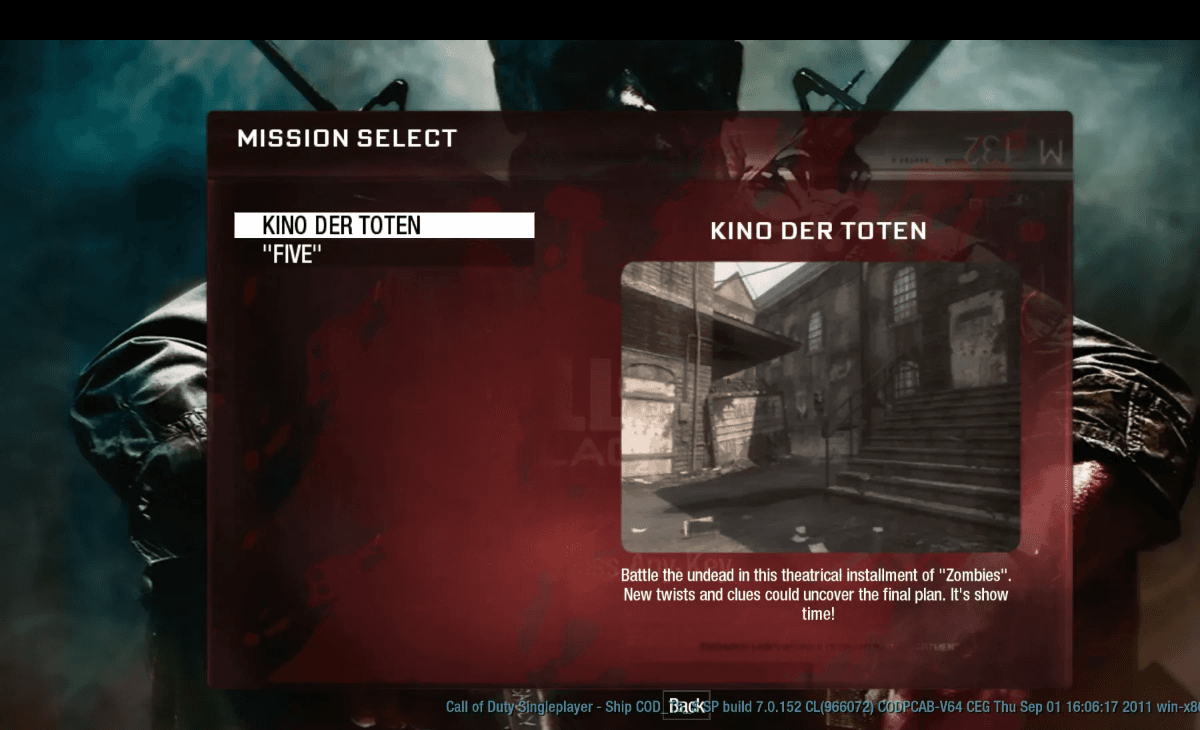 Start page capture
Black Ops Zombies
FPS & shooters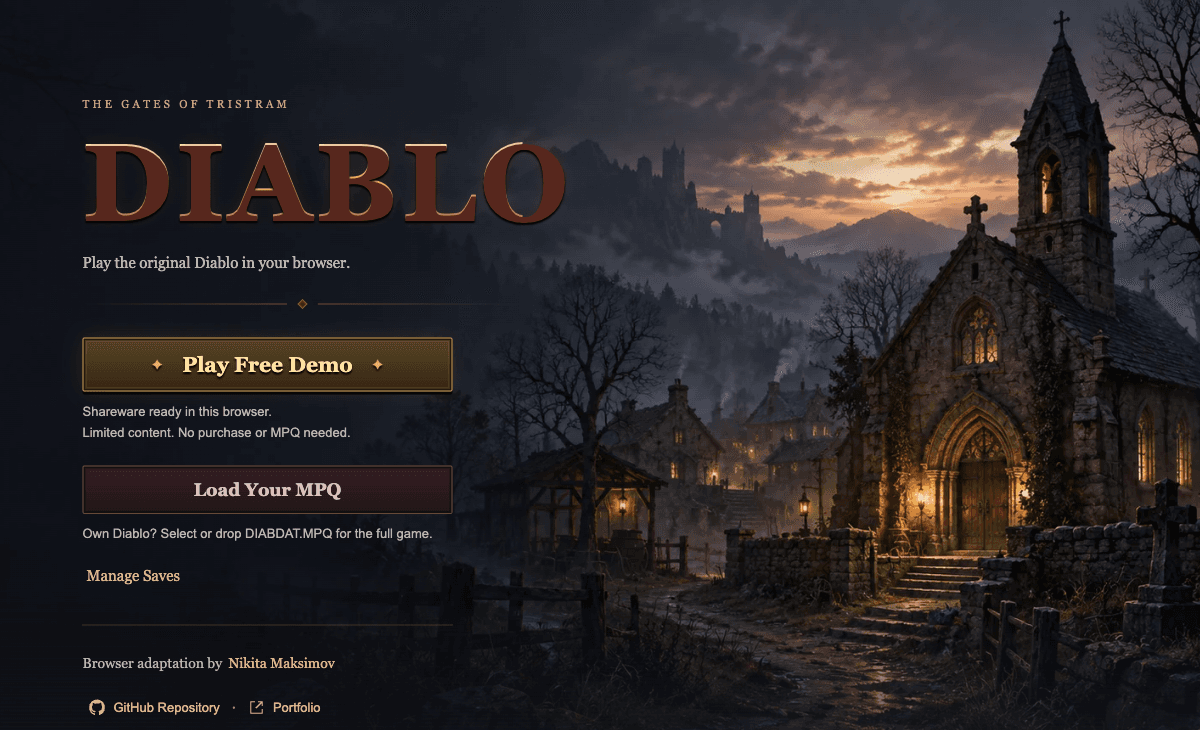 Start page capture
Diablo Web
Action & open world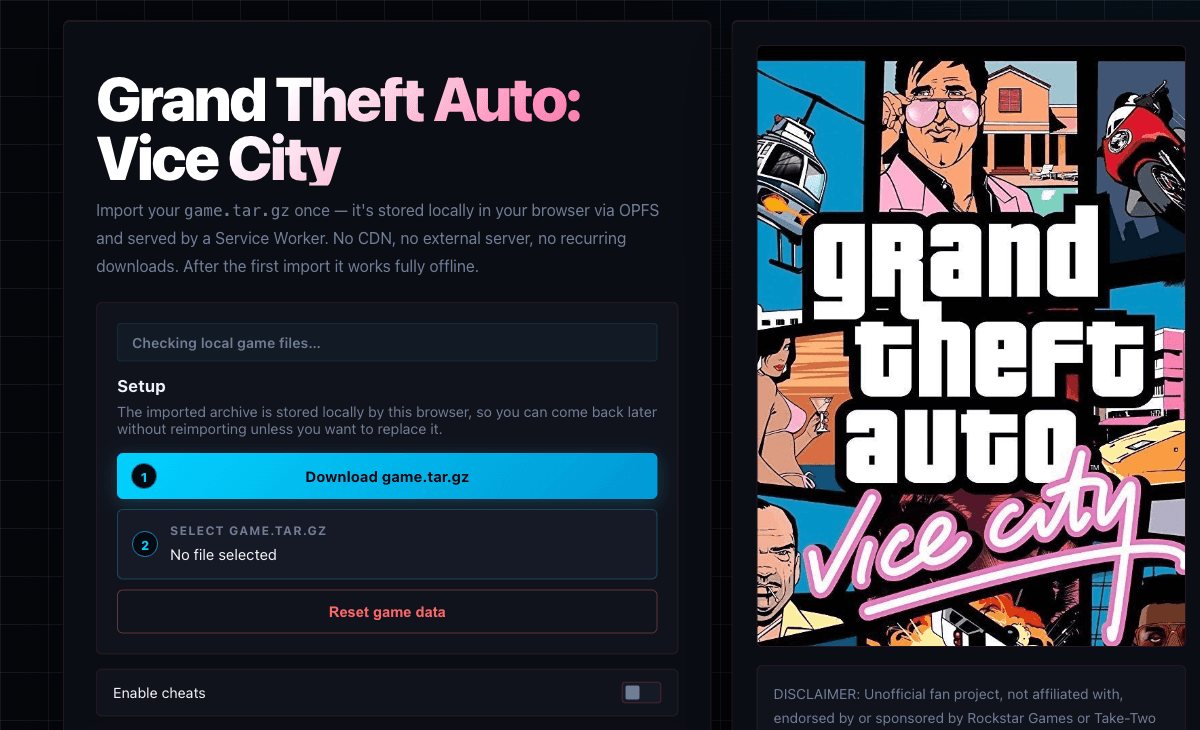 Start page capture
GTA: Vice City Web
Action & open worldNeeds your own files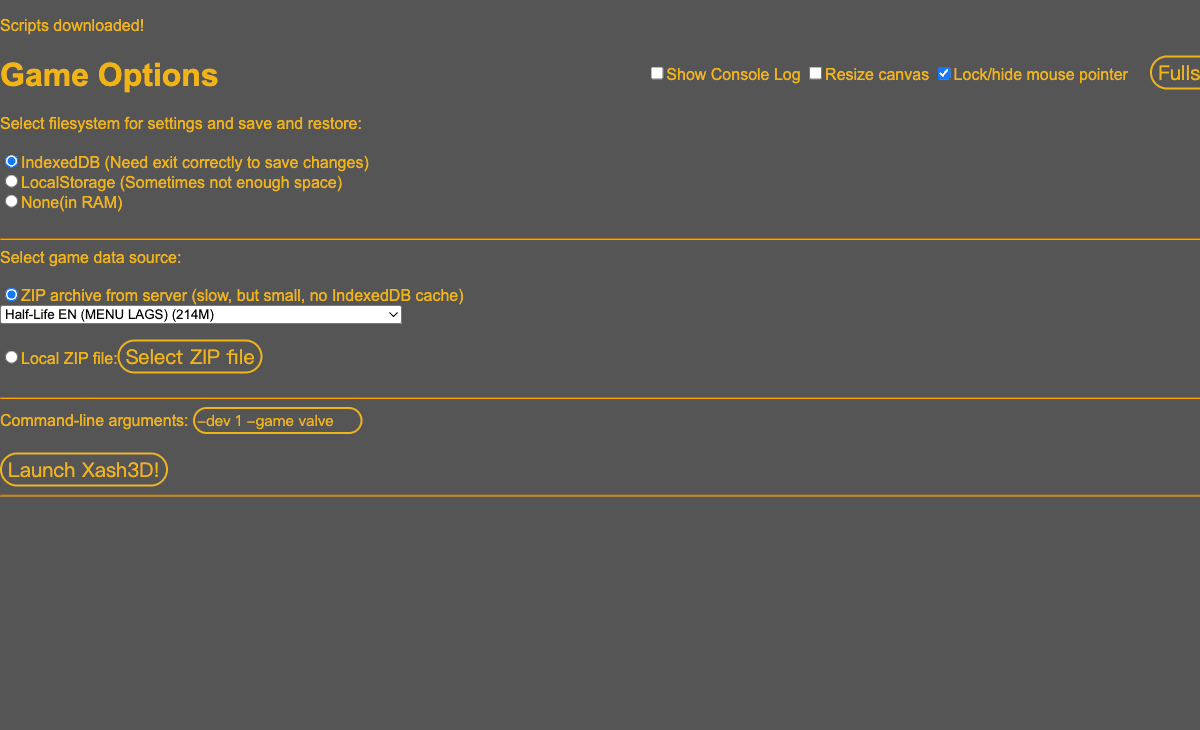 Start page capture
Half-Life (Pixelsuft)
FPS & shootersNeeds your own files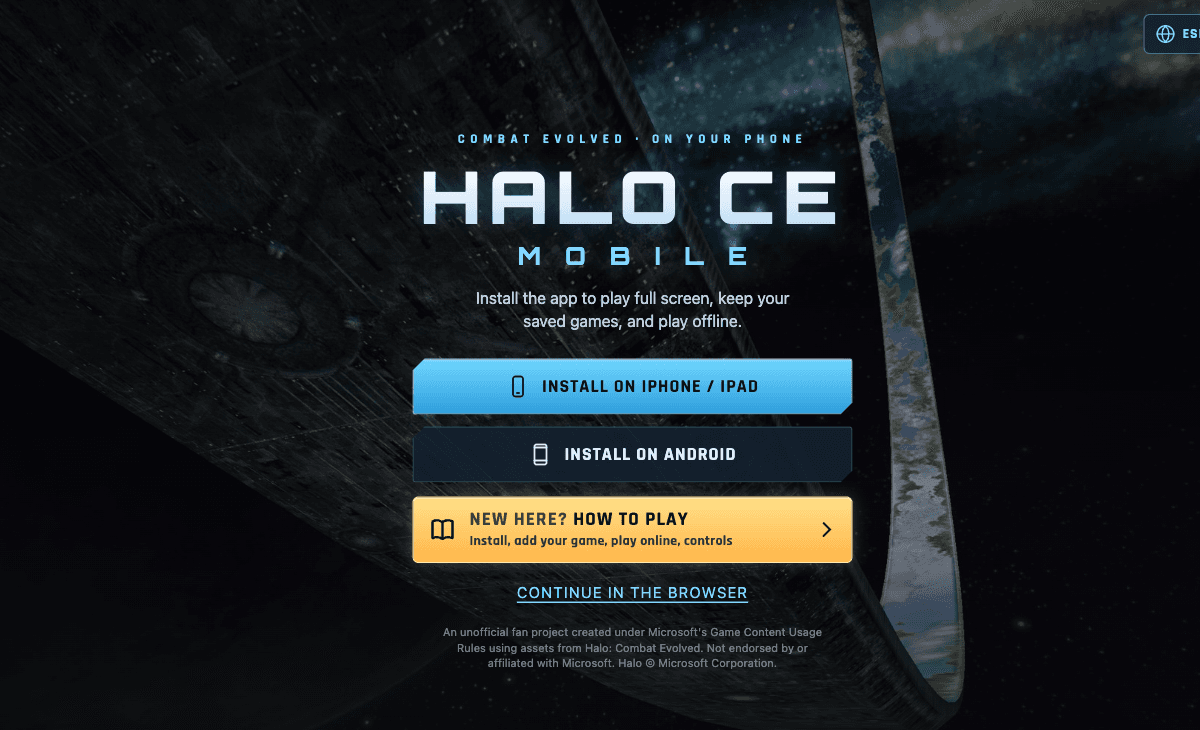 Start page capture
Halo CE Mobile
FPS & shootersNeeds your own files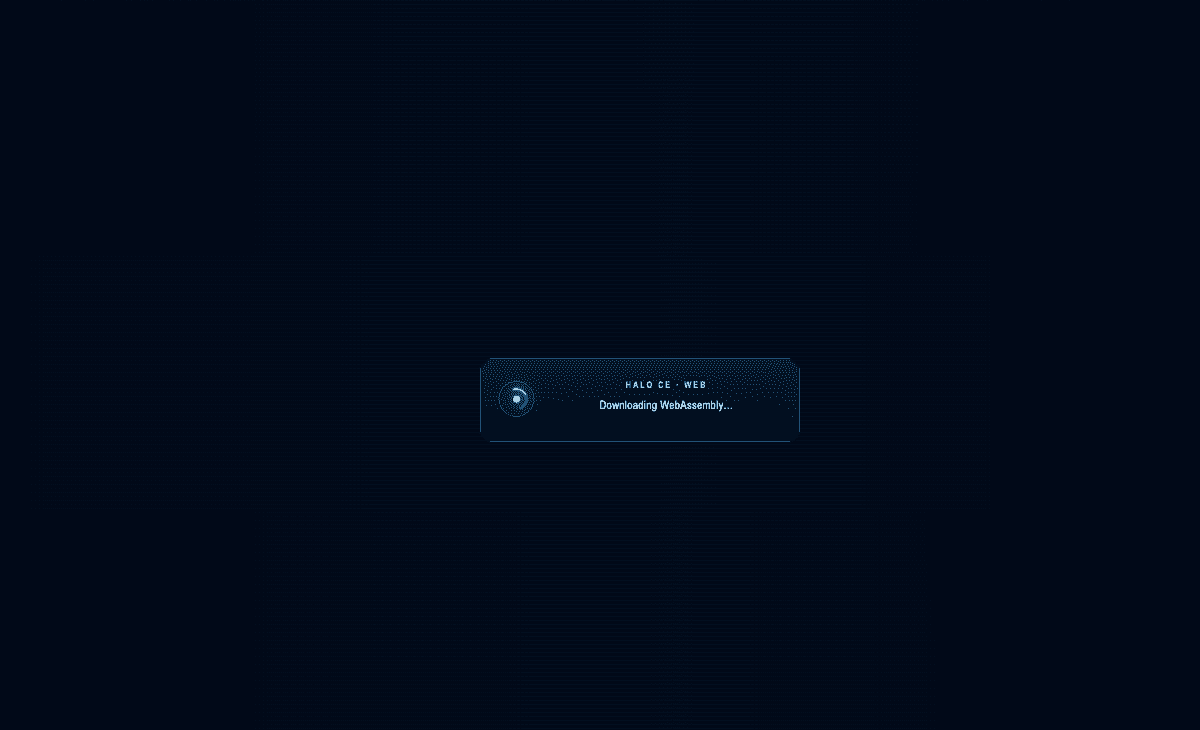 Start page capture
Halo: Combat Evolved Web
FPS & shooters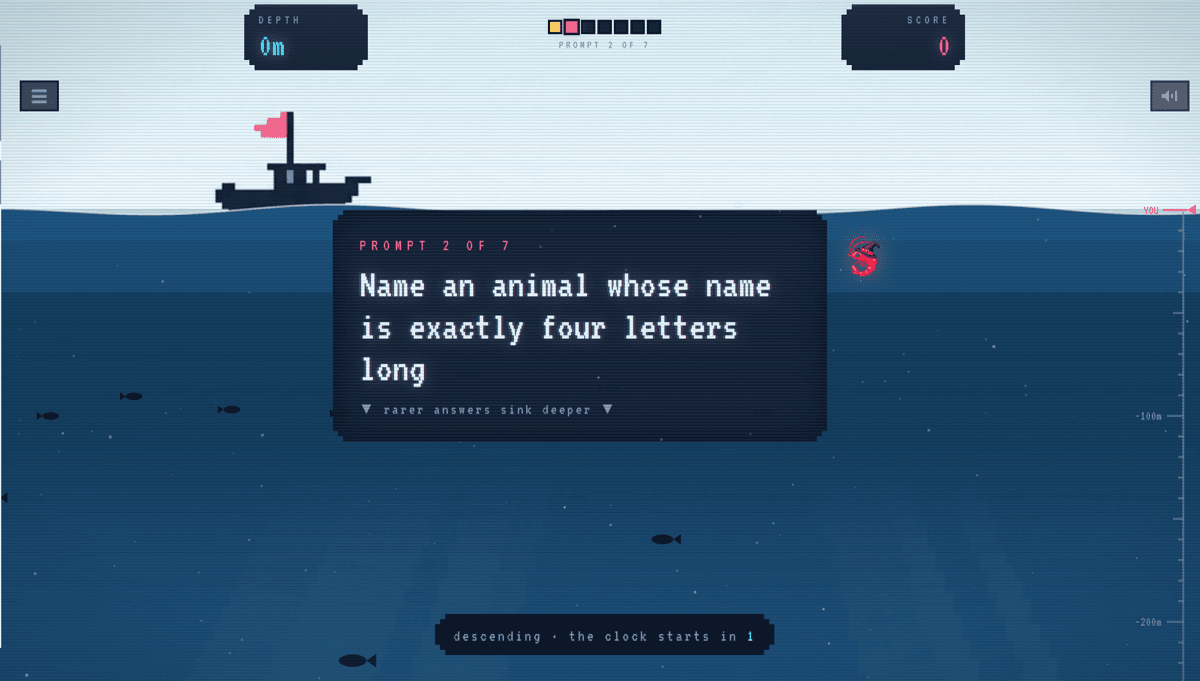 Gameplay capture
Krillion
Indie & fan-made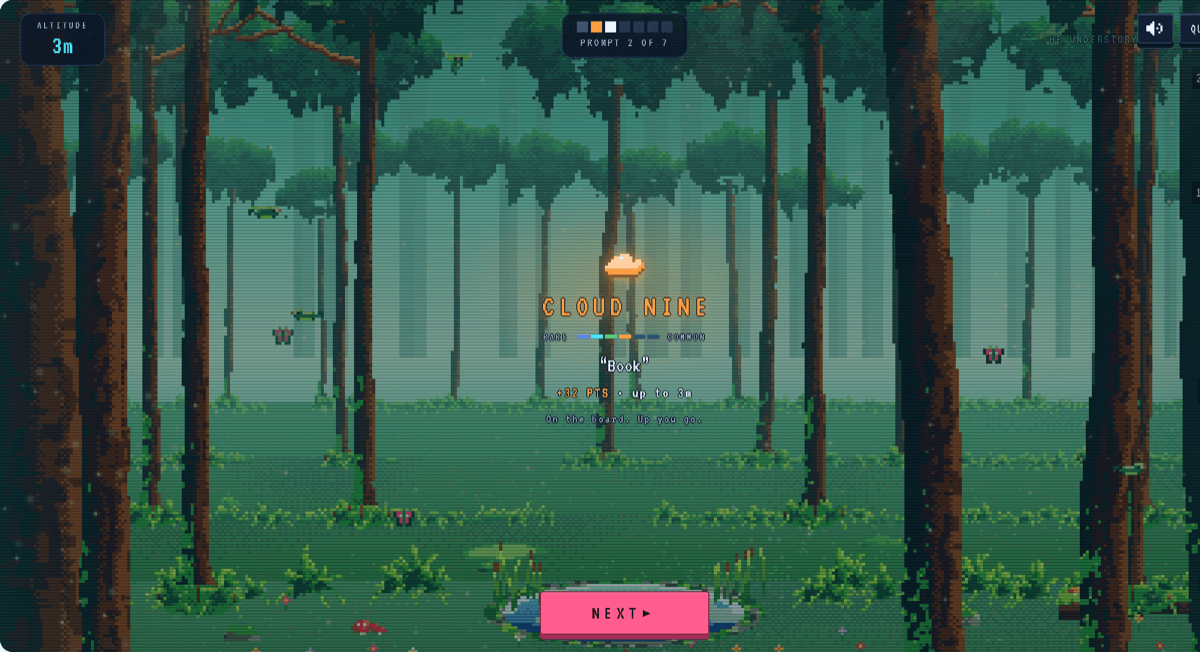 Gameplay capture
Noillirk
Indie & fan-made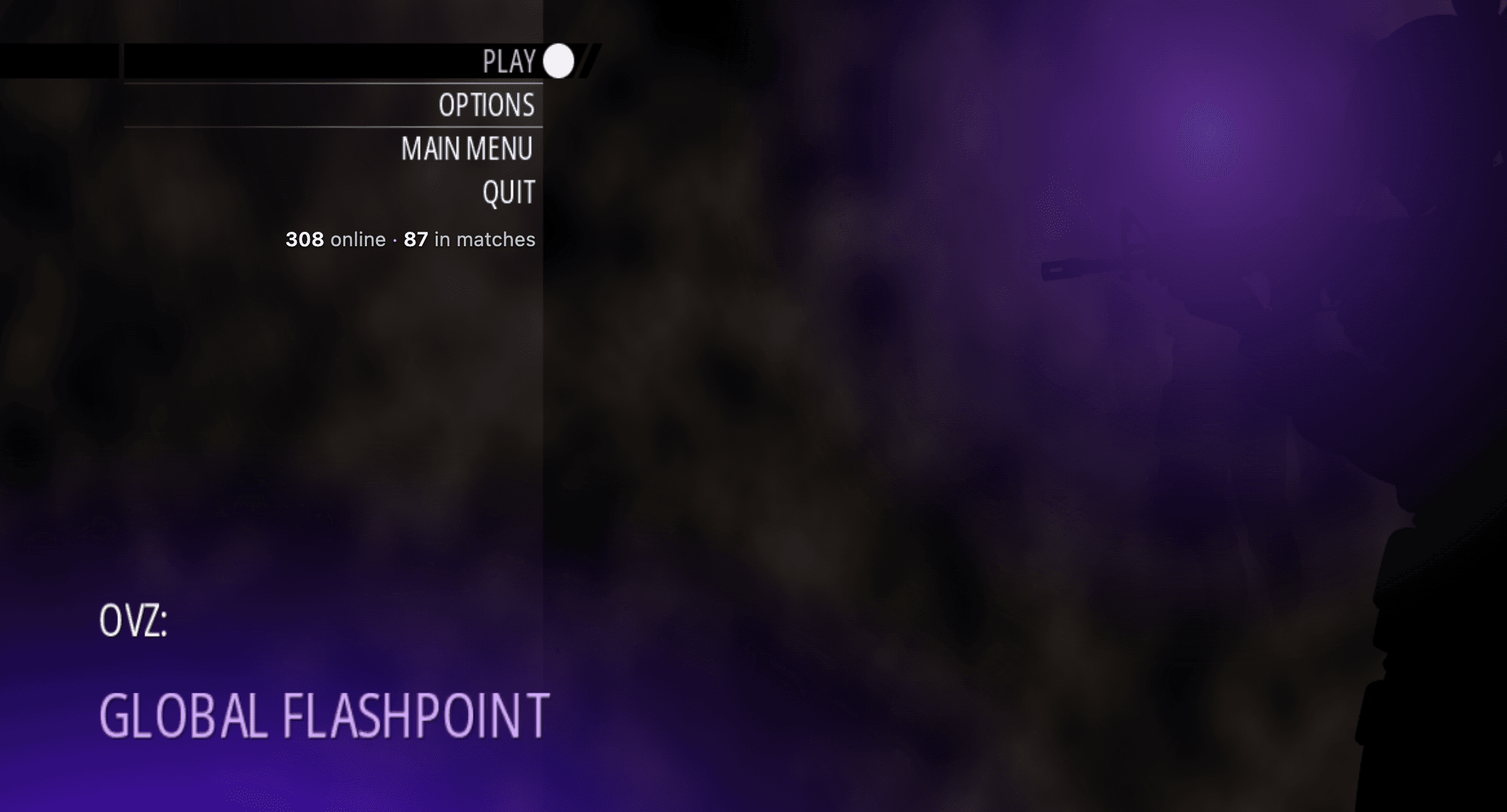 Menu capture
OVZ: Global Flashpoint
FPS & shooters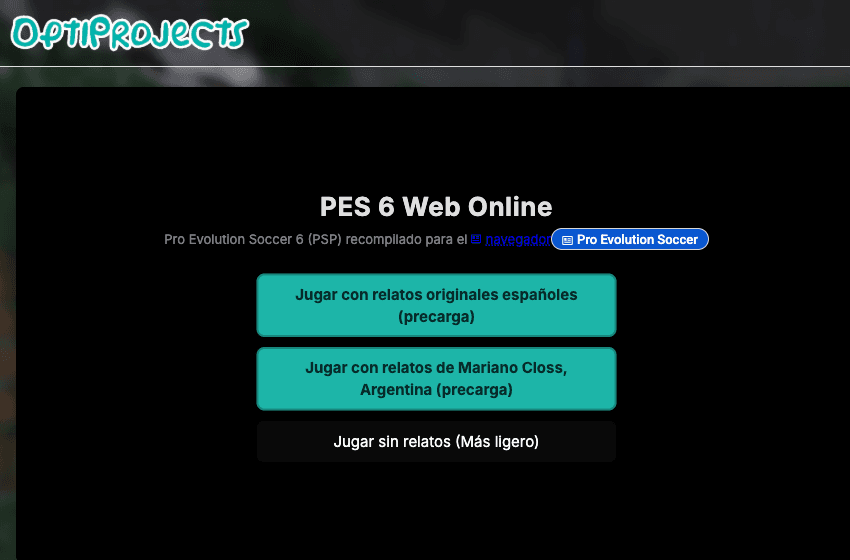 Start page capture
PES 6 Web Online
Sports & skatePokéSurvivor
Indie & fan-made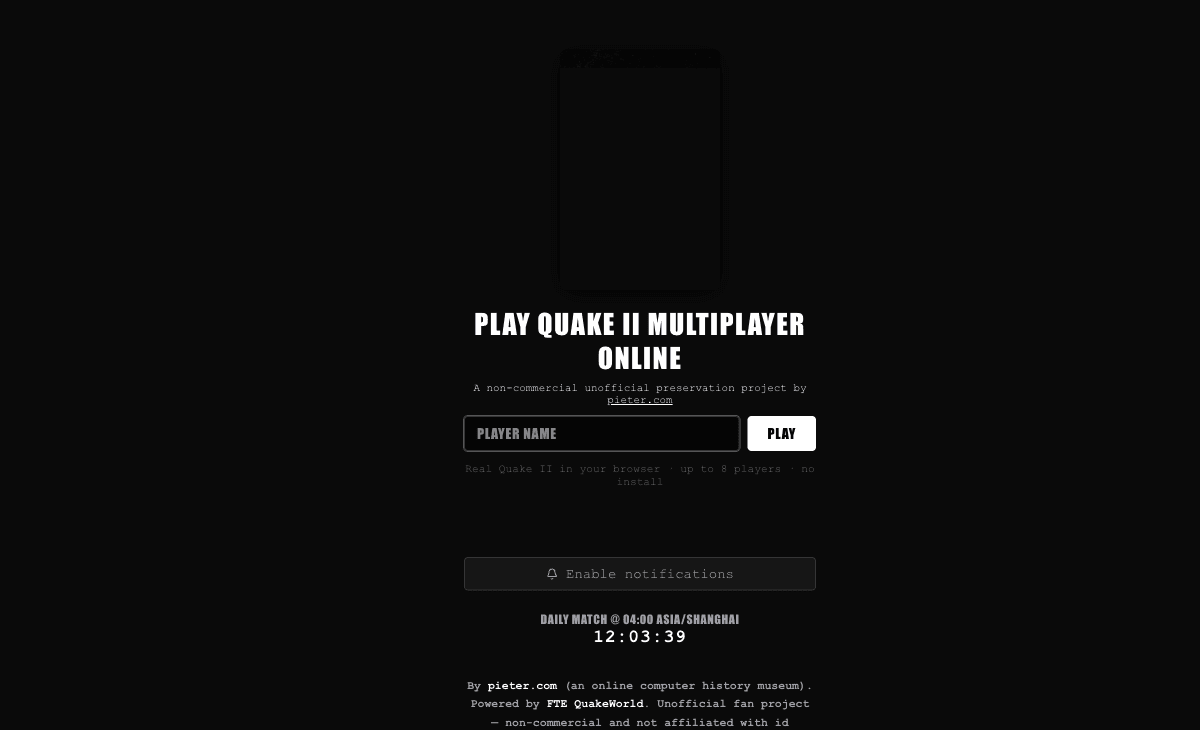 Start page capture
Quake II
FPS & shooters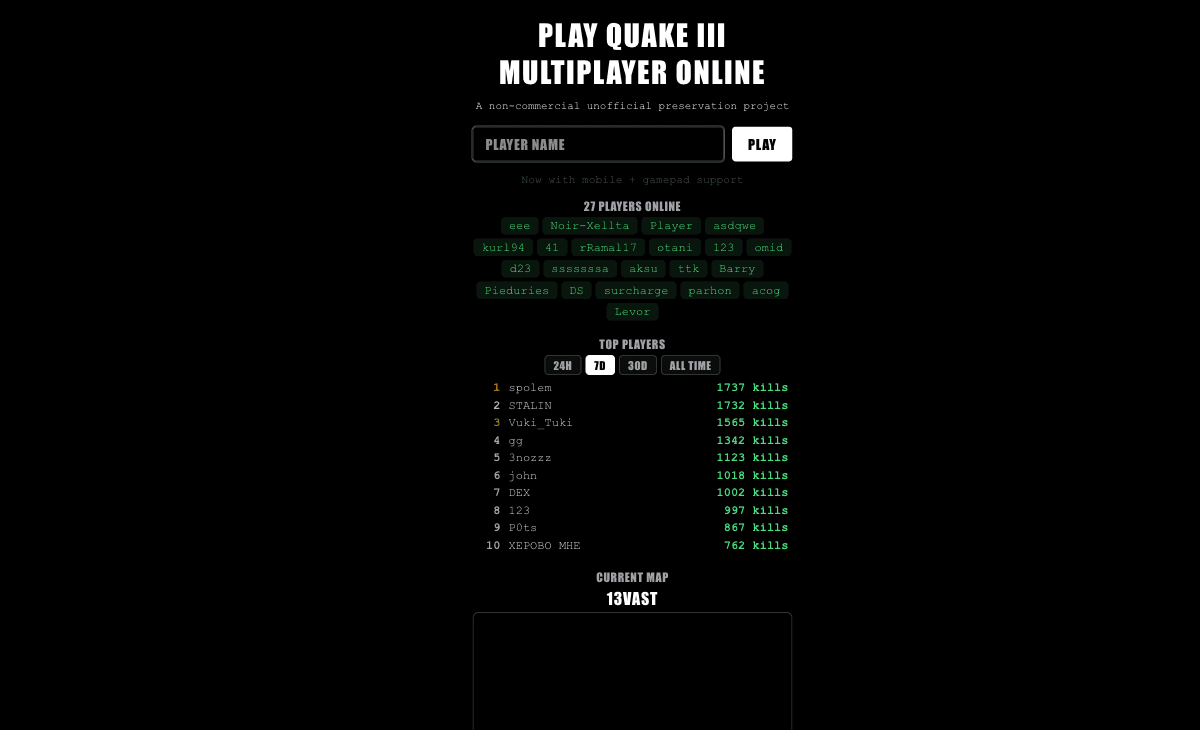 Start page capture
Quake III Arena
FPS & shooters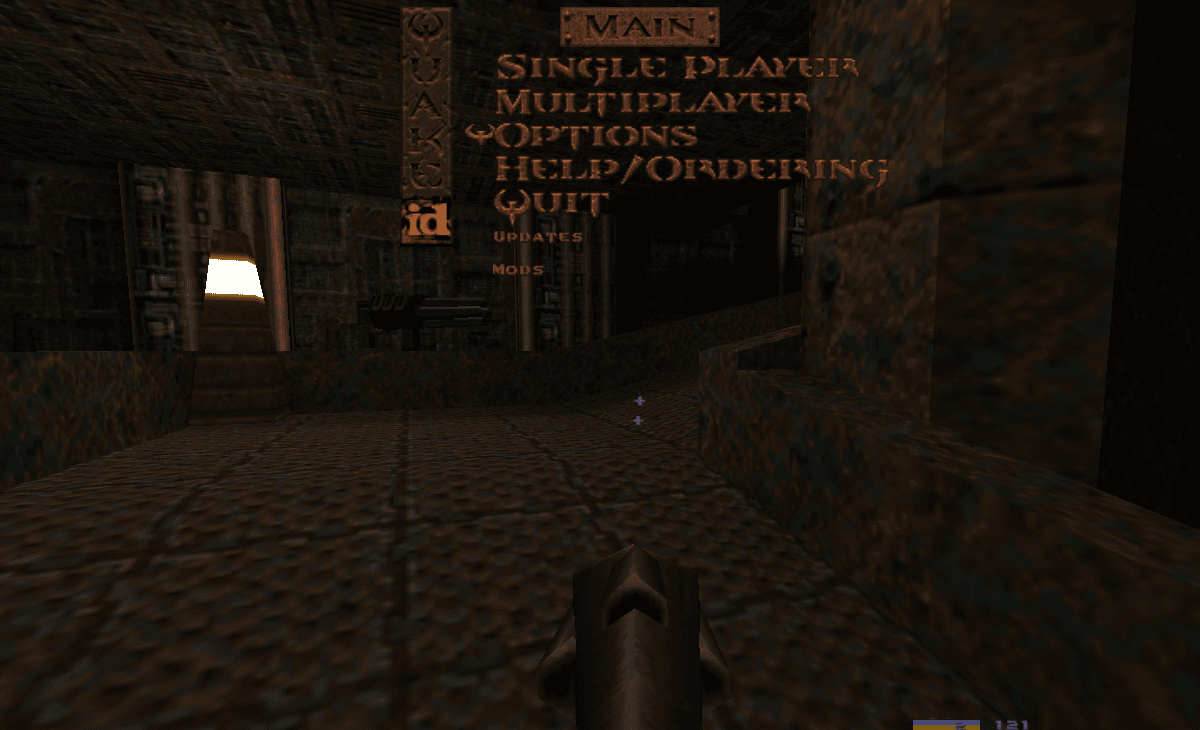 Menu capture
QuakeWorld
FPS & shooters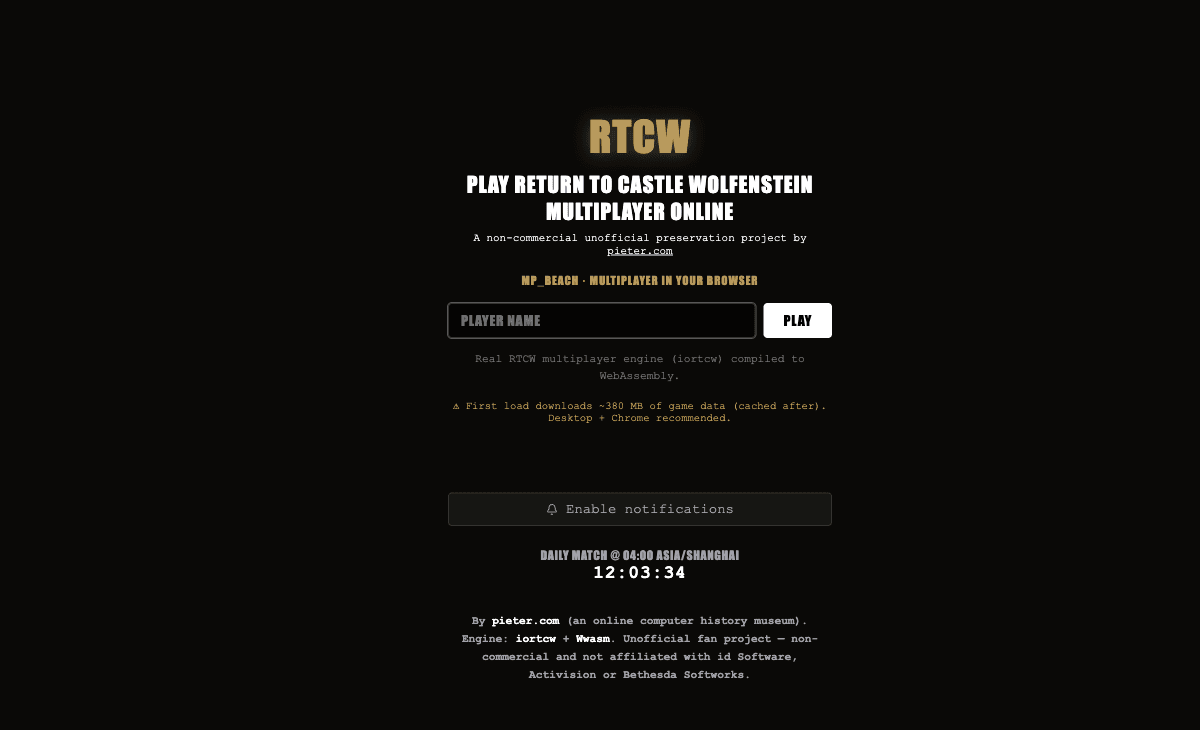 Start page capture
Return to Castle Wolfenstein
FPS & shooters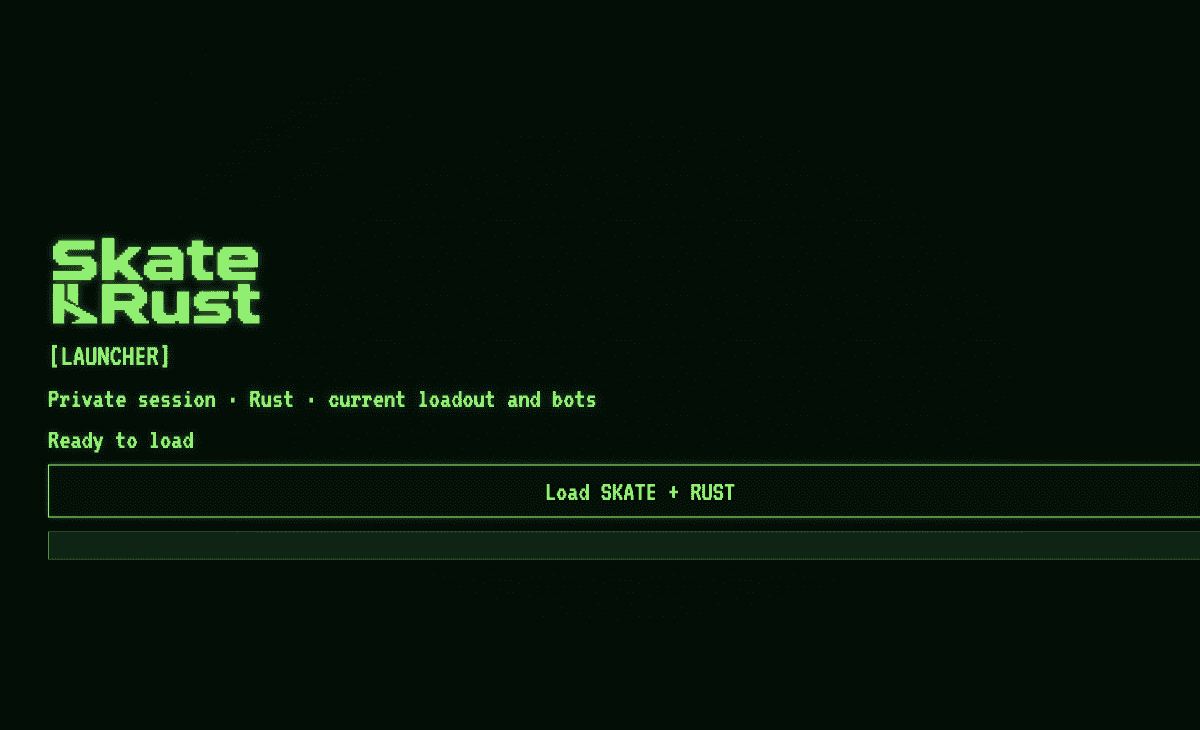 Start page capture
Skate × Rust
Sports & skate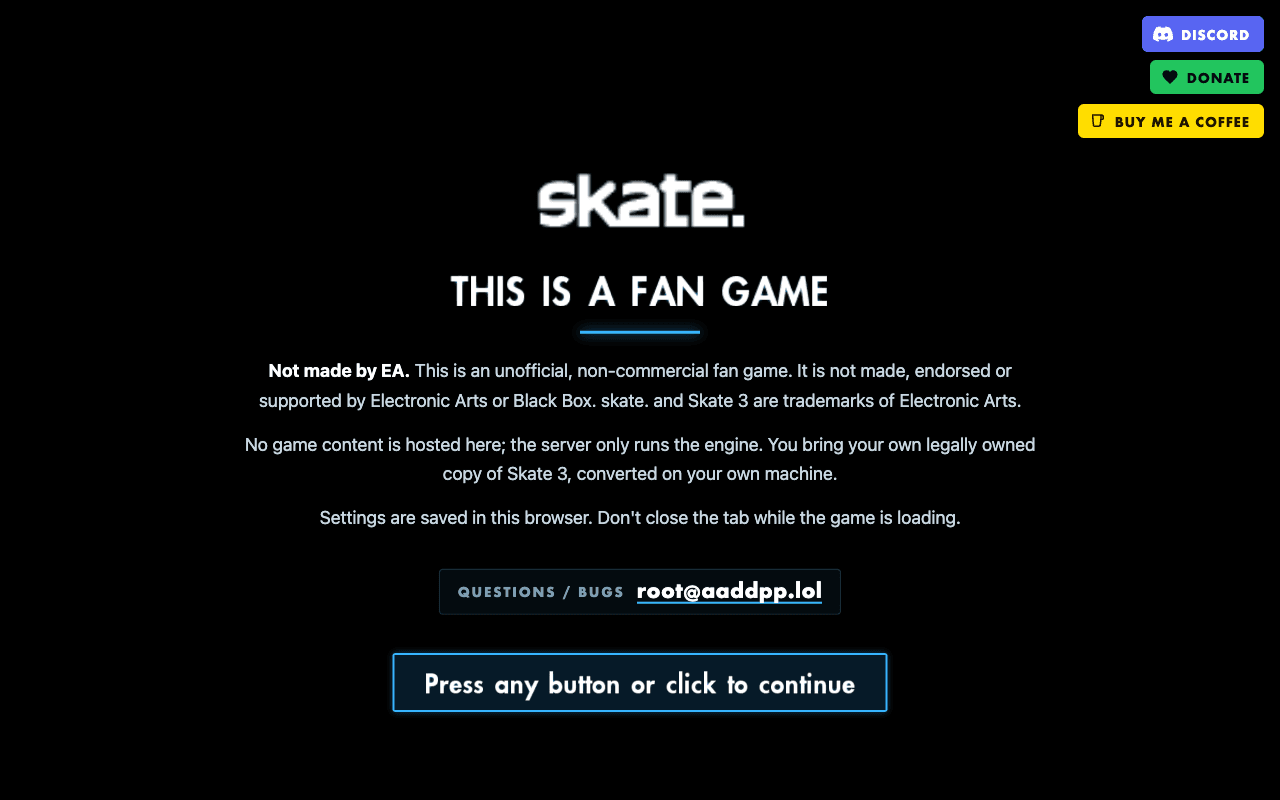 Start page capture
Skate 3 fan project
Sports & skateNeeds your own files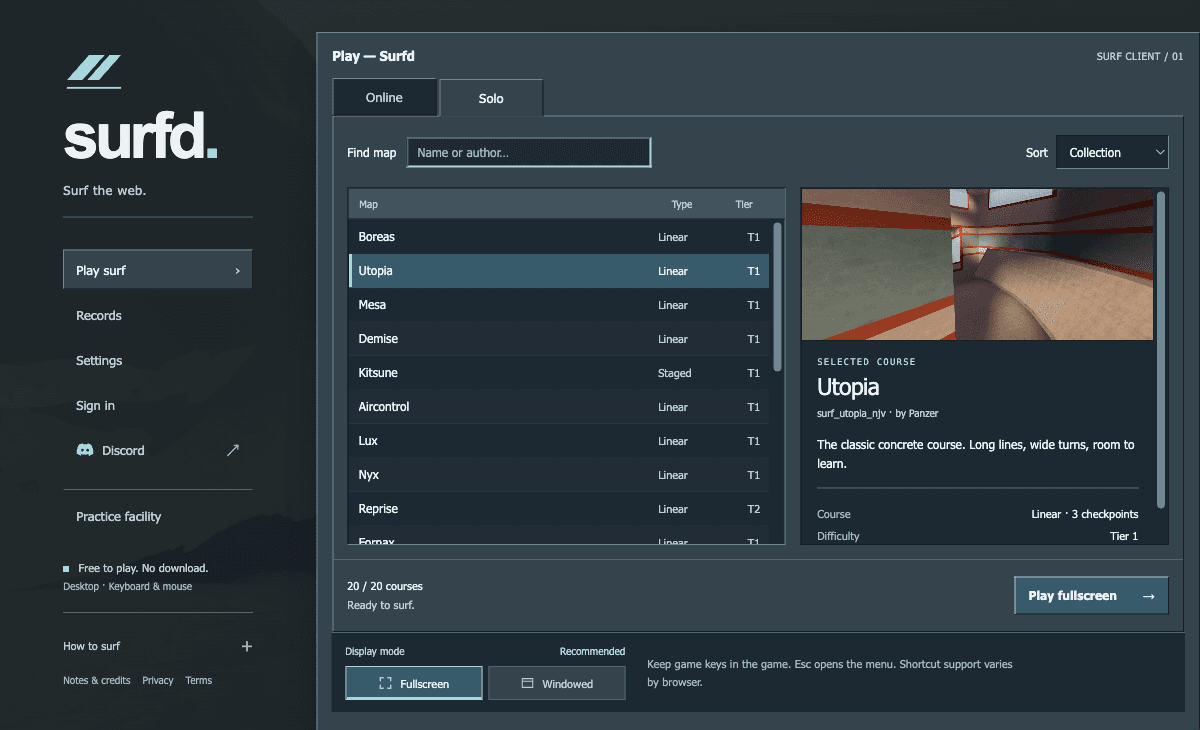 Menu capture
Surfd
FPS & shooters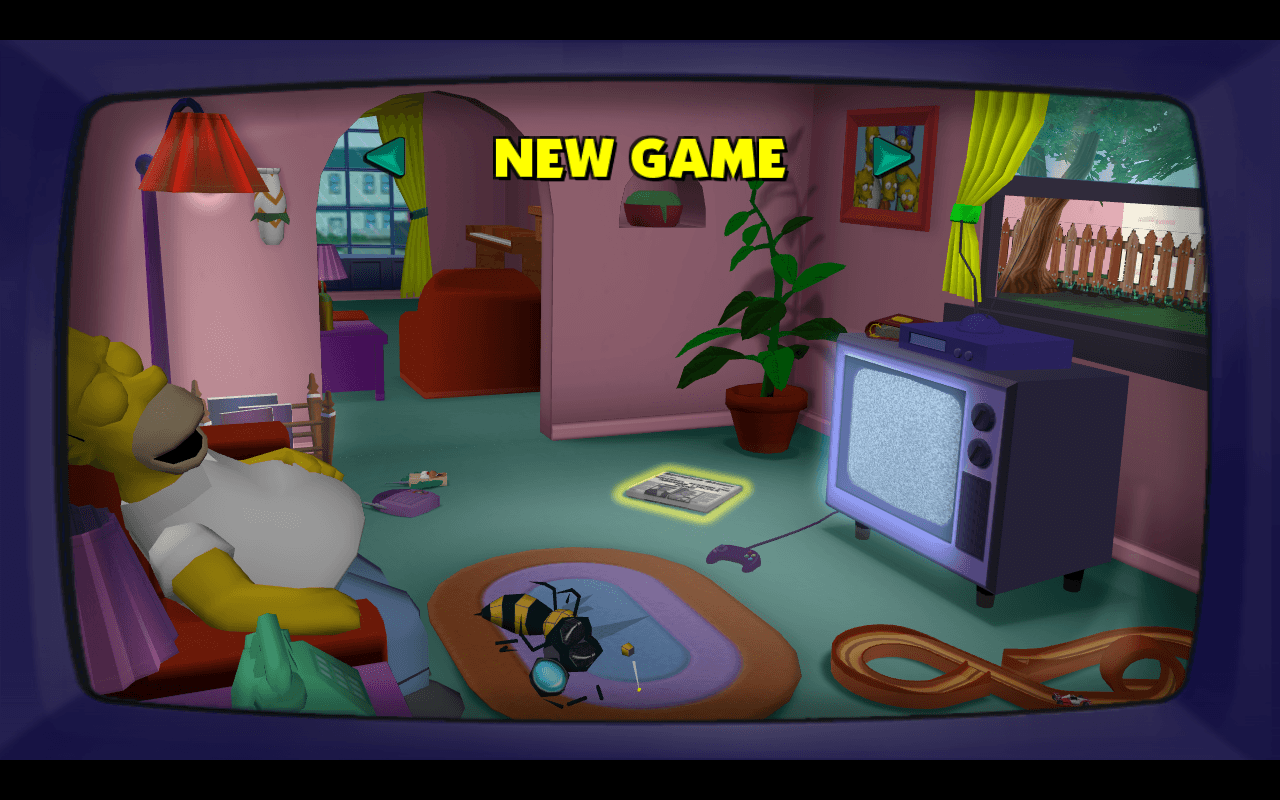 Menu capture
The Simpsons: Hit & Run
Action & open world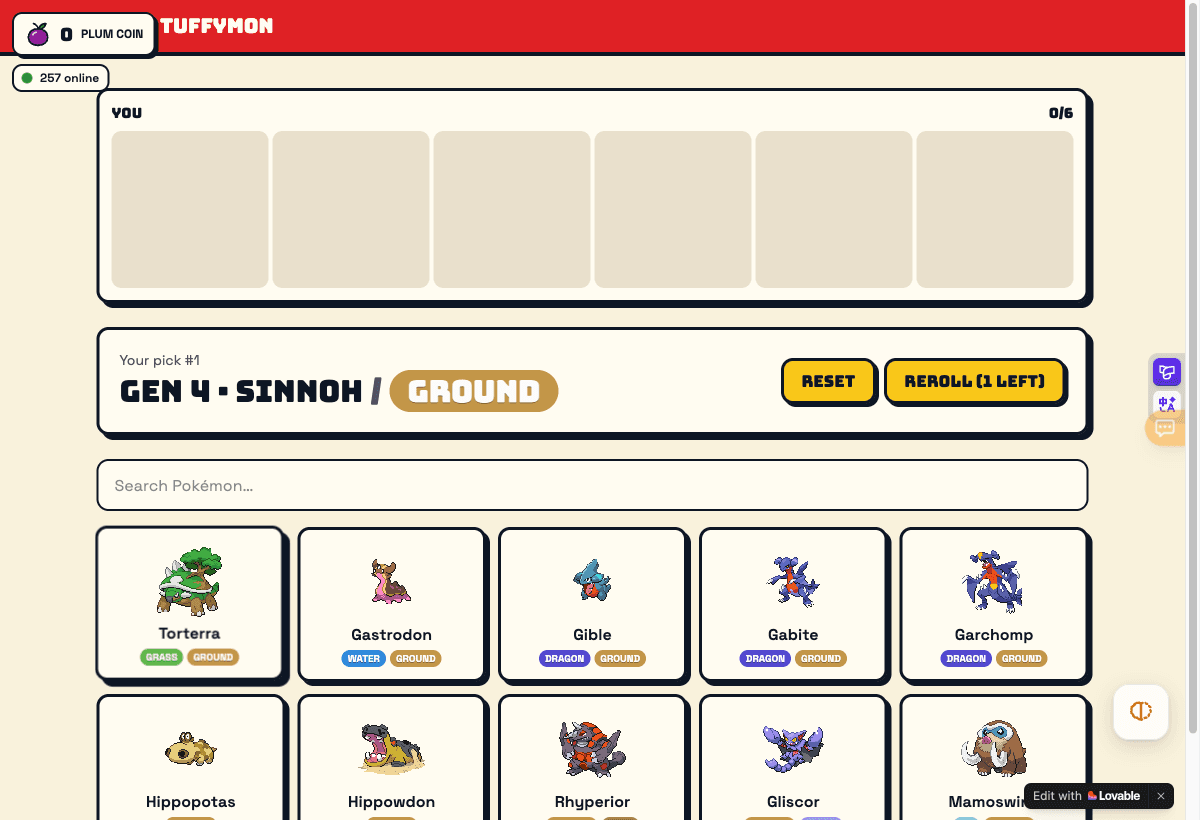 Menu capture
TuffyMon
Indie & fan-made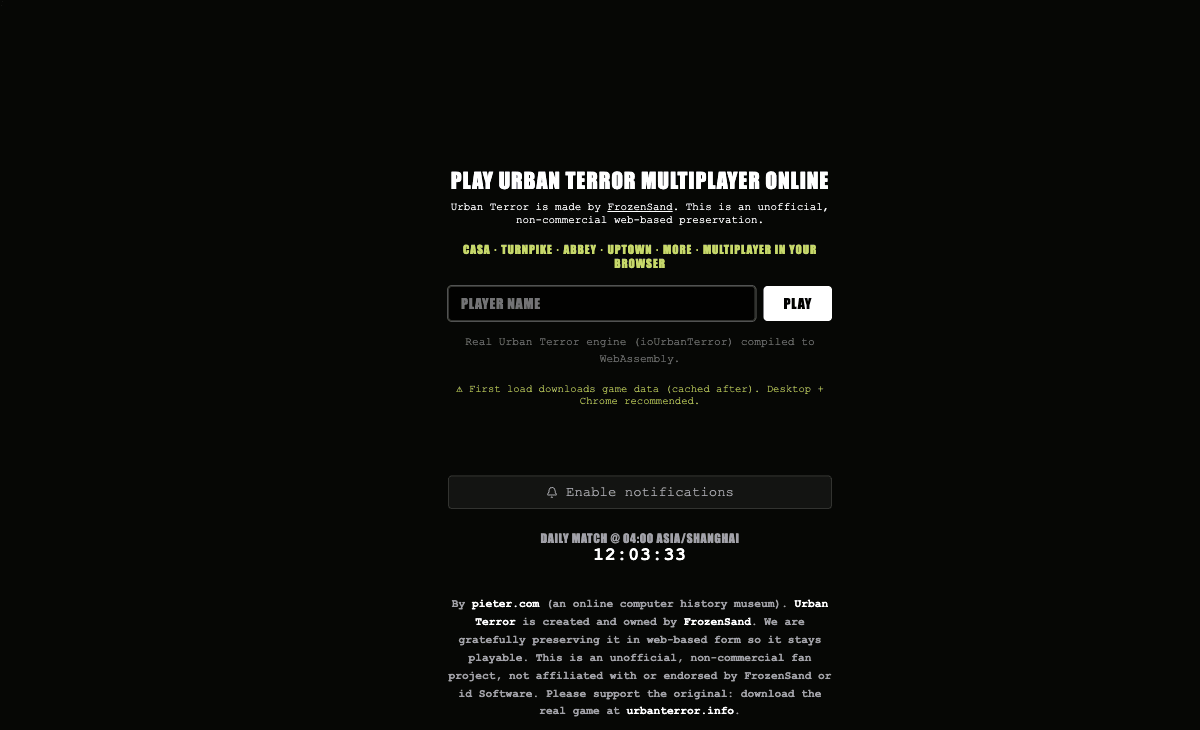 Start page capture
Urban Terror
FPS & shooters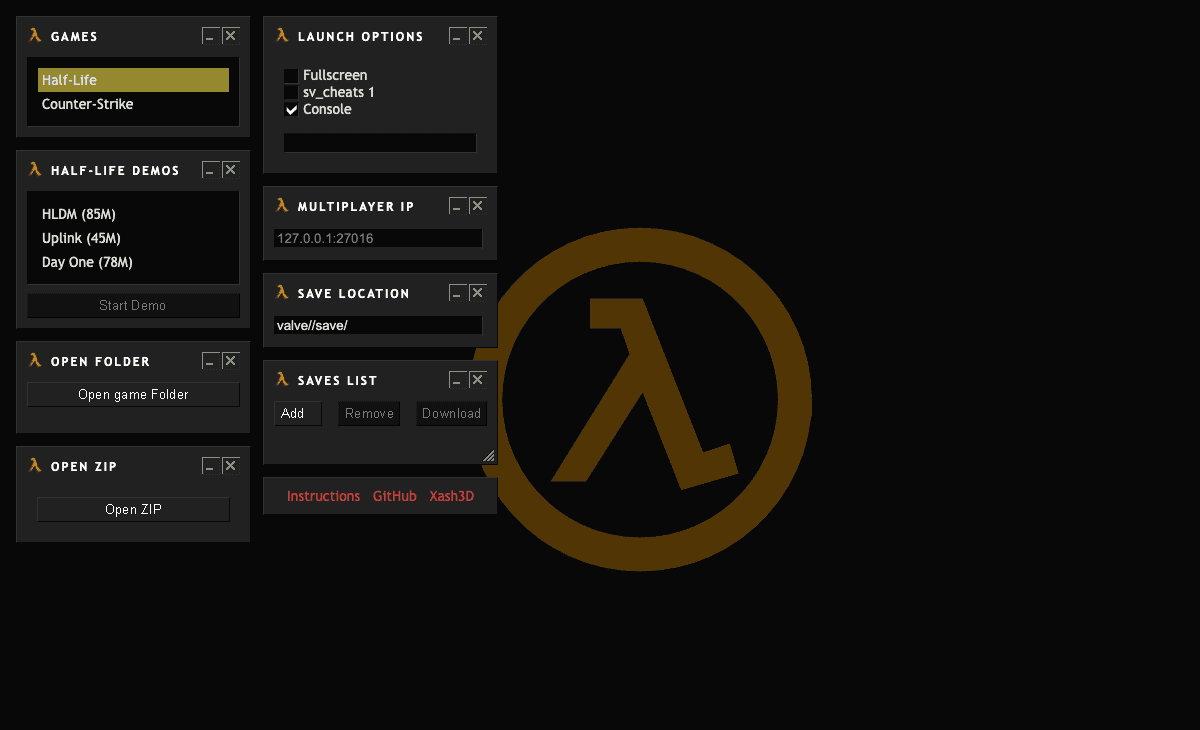 Start page capture
WebXash: Half-Life / CS 1.6
FPS & shootersNeeds your own filesBefore you start: files, downloads and controls
Original files
Games marked 'needs your own files' expect legally owned archives. Diablo Web offers a free demo as one option. WebXash, Halo CE Mobile, Vice City and Skate 3 need your original game data.
Large downloads
Browser ports load the engine and assets on first launch. The first load can be large, so a desktop browser on a stable connection usually works best.
Mouse lock and fullscreen
FPS games request mouse lock; some projects require fullscreen for input. Check the guide for each game before assuming responsive controls.
How we check each game
What does 'page checked' mean?
We opened the project page, identified it and recorded the visible entry information. We did not test gameplay, saving or mobile input at the page-check level.
What about 'menu reached'?
QuakeWorld, Surfd, Skate 3 and The Simpsons: Hit & Run reached recognizable menus or start screens. That is more than a page check, but responsive movement and completion are separate verifications.
Are these mobile games?
Most have not been checked on mobile. Desktop keyboard and mouse are the documented or observed input for FPS games and surf projects.
Where can I report a problem?
Use Contact & corrections in the footer. Include the project, destination, browser and exact error. Do not send game files or license keys.