Skate 3 fan project: Browser Start & Setup Guide
An unofficial Skate 3 fan project with an own-copy notice and a Press START screen. The project requires legally owned game data converted on your own machine; desktop gameplay and controller support remain untested.
By GameHub editorial · Content updated 2026-10-10 · Menu reached 2026-10-10
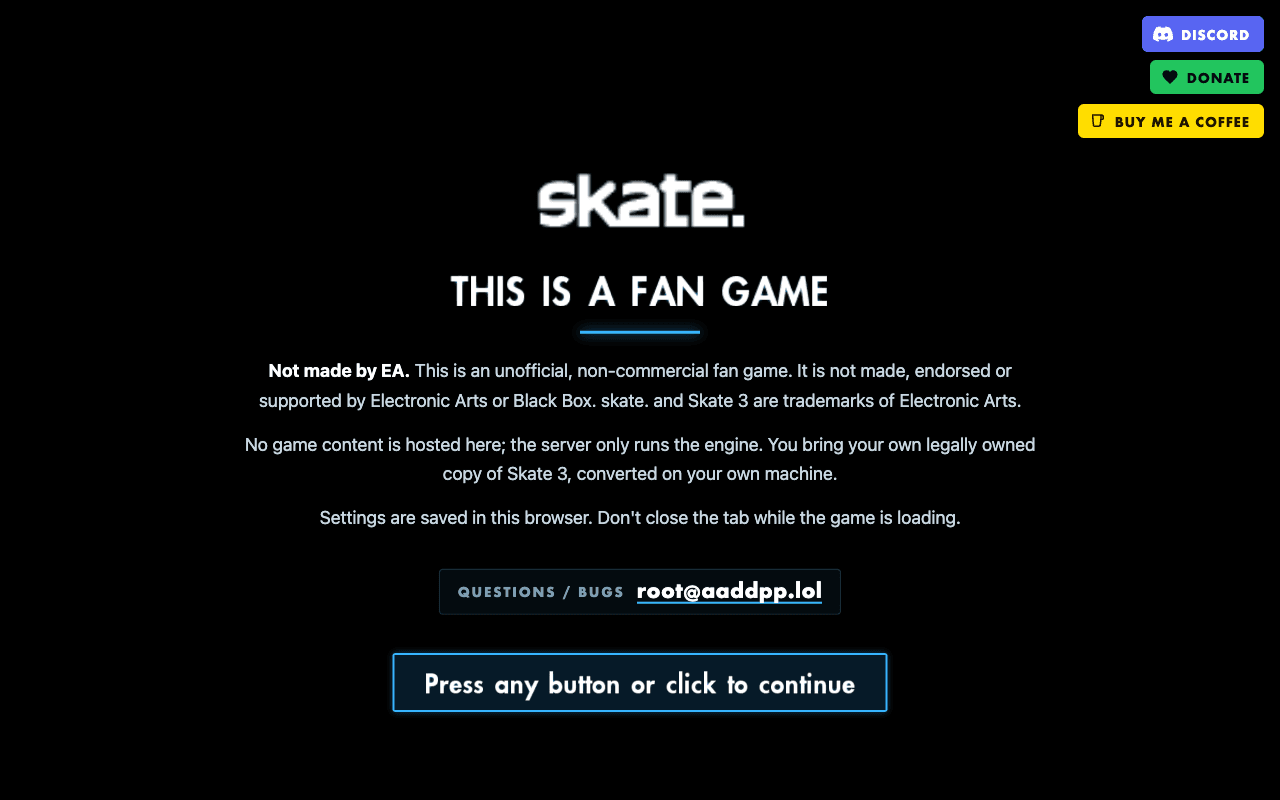 Start page capture
The original page identified itself as an unofficial, non-commercial Skate 3 fan game and stated that visitors must bring their own legally owned, locally converted copy. After continuing and loading, the canvas displayed Press START. This establishes a start screen, not a tested skating session. An earlier browser attempt failed to initialize the GPU; compatibility depends on the browser and graphics environment.
Requirements and unknowns
What this project is
This is an unofficial, non-commercial fan project at skate.aaddpp.lol. Its own notice says it is not made, endorsed or supported by Electronic Arts or Black Box. It is separate from the Skate × Rust project in this directory.
Our browser reached the Press START screen after the introductory notice and engine loading. A skating session, performance and controller bindings have not been checked.
Where to start
Read the original project’s own-copy and conversion instructions before continuing.
- Prepare your own legally owned Skate 3 copy and use the project’s instructions to convert it on your machine. GameHub supplies no game data.
- Open the original project, read the fan-game notice, then click or press a button to continue.
- Keep the tab open while the menus, engine and renderer load. Wait for Press START, then follow the current project prompts.
If loading stays blank
An earlier inspection displayed Unable to find a GPU. The project recommends enabling hardware acceleration, fully restarting the browser and checking graphics-driver support. A later GPU-enabled inspection reached Press START.
If startup still stalls, record the visible loading stage, browser and graphics error. Settings are described as being saved in this browser; persistence and input controls were not tested.
Our recorded observation
Desktop Chromium 154 on macOS, 1280 × 800 viewport; menu inspection with a GPU-enabled browser. Mobile play and in-game controls were not tested. · 2026-10-10 · Level: menu
- Open the original project and read its fan-game and own-copy notice.
- Click the continue prompt and wait for engine and renderer loading.
- Observe the rendered Press START screen; stop before entering gameplay.
Destination observed: https://skate.aaddpp.lol/. Access can change after a check; this is not a live status monitor.
Report a problemGo straight to the source.
- Skate 3 fan project original project and startup Page observed: 2026-10-10