Skate × Rust: Browser Start & Setup Guide
A separate Skate × Rust browser project with skating and first-person modes. Its launcher offers a private session with bots; it is distinct from the Skate 3 fan project.
By GameHub editorial · Content updated 2026-10-10 · Page checked 2026-10-10
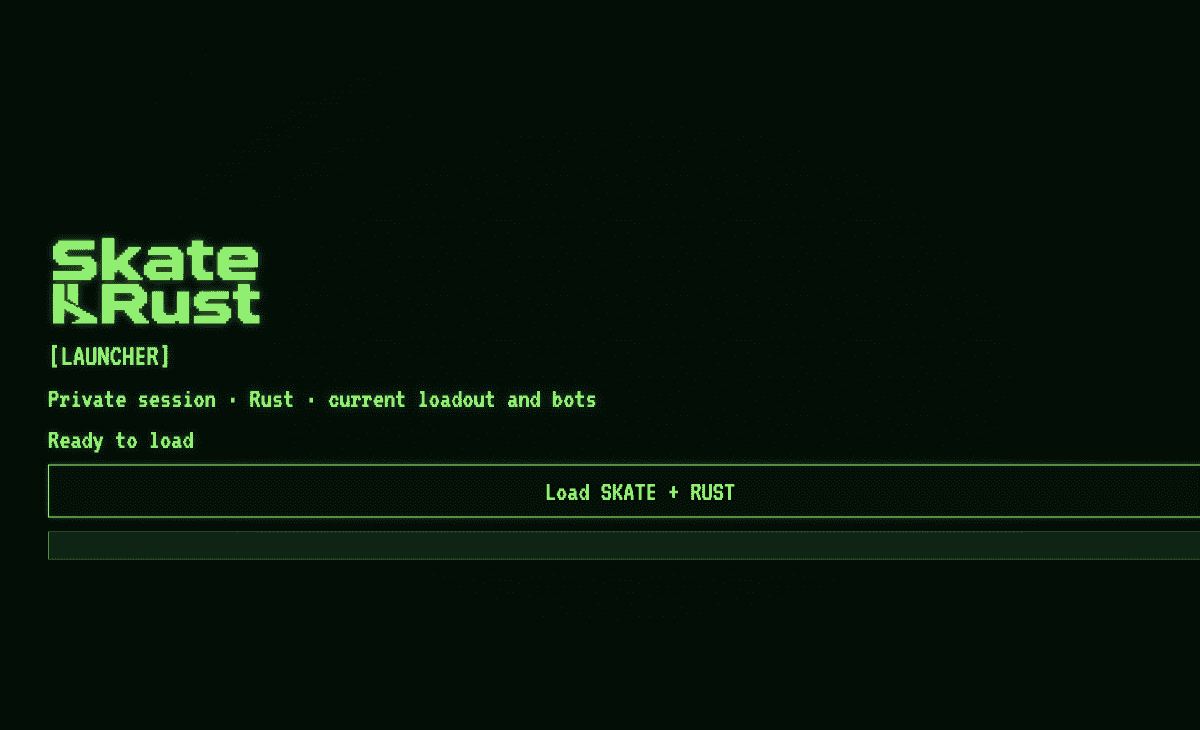 Start page capture
The Skate × Rust identity, private-session/bot description, Ready to load state and Load SKATE + RUST action rendered. No session was loaded. Control notes were read from the project page.
Requirements and unknowns
What this project is
The full.html destination identifies itself as Skate × Rust. Its launcher has a Load SKATE + RUST action.
Where to start
Use the original project link above. The game runs on that site.
- Open the full host and select Load SKATE + RUST.
- Follow the loading state before using the controls described by the project.
- On board, the project lists W to push, A/D to steer and S to brake; G changes modes and M opens the menu.
Before troubleshooting
The project labels mobile presets experimental and says trick outcomes still need testing. Neither mobile play nor skating tricks were independently checked here.
Our recorded observation
Desktop Tabbit / Chromium on macOS, 1280 × 800 viewport; entry-page inspection, not a mobile-device test. · 2026-10-10 · Level: page
- Open the original project and identify the rendered entry or setup interface.
- Read visible start choices and requirements; do not supply files, create an account or join a match.
Destination observed: https://global-terror-skate-rust.fvc3less.workers.dev/full.html. Access can change after a check; this is not a live status monitor.
Report a problemGo straight to the source.
- Skate × Rust original project Page observed: 2026-10-10