Urban Terror: Browser Start & Setup Guide
Urban Terror multiplayer through an unofficial browser preservation project. The older candidate list called this Unreal Tournament, but the destination identifies itself as Urban Terror.
By GameHub editorial · Content updated 2026-10-10 · Page checked 2026-10-10
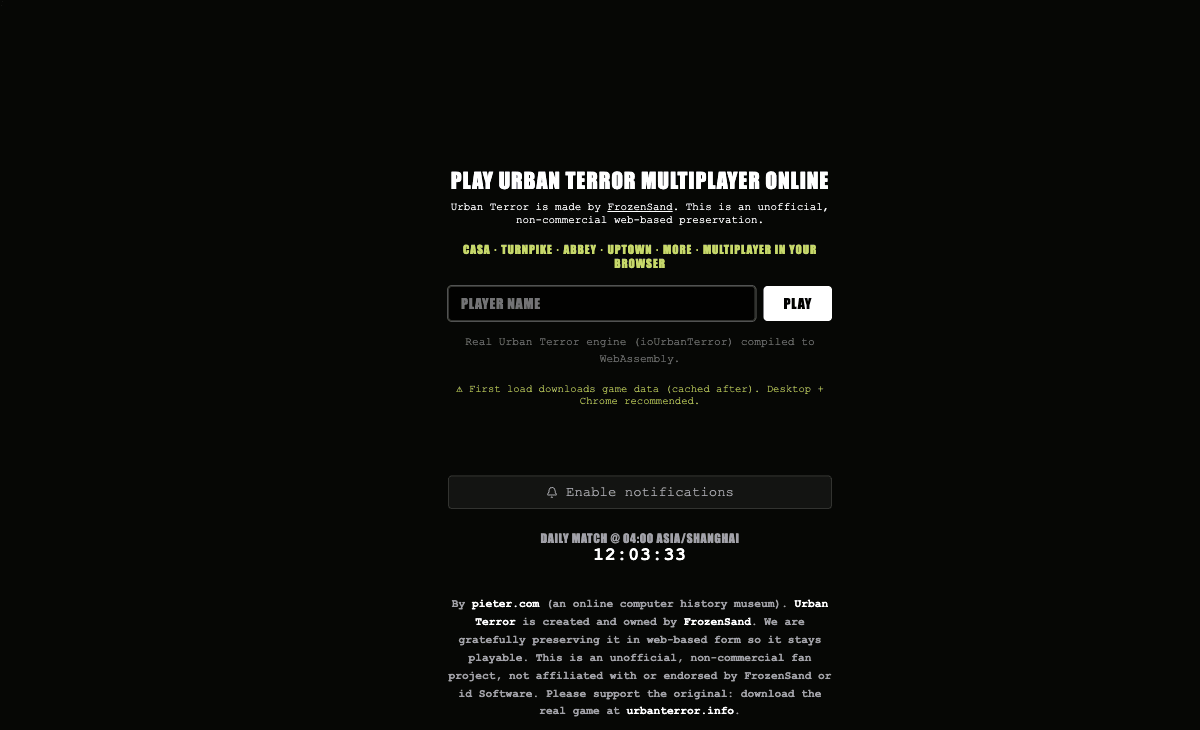 Start page capture
The destination identified itself as Urban Terror and credited FrozenSand. Name entry, Play, map names and loading/device notes rendered. The historical Unreal Tournament label was corrected; no match was joined.
Requirements and unknowns
What this project is
Urban Terror is the actual project at ut.pieter.com. FrozenSand is credited on its start page; this is not an Unreal Tournament entry.
Where to start
Use the original project link above. The game runs on that site.
- Open the Urban Terror destination and enter a player name.
- Choose Play and wait for engine and map data to load.
- Use a desktop browser; the project recommends Chrome and describes cached data on later visits.
Before troubleshooting
The page lists maps including casa, turnpike, abbey and uptown. Listed maps do not mean GameHub has tested each one or connected to a match.
Our recorded observation
Desktop Tabbit / Chromium on macOS, 1280 × 800 viewport; entry-page inspection, not a mobile-device test. · 2026-10-10 · Level: page
- Open the original project and identify the rendered entry or setup interface.
- Read visible start choices and requirements; do not supply files, create an account or join a match.
Destination observed: https://ut.pieter.com/. Access can change after a check; this is not a live status monitor.
Report a problemGo straight to the source.
- Urban Terror original project Page observed: 2026-10-10