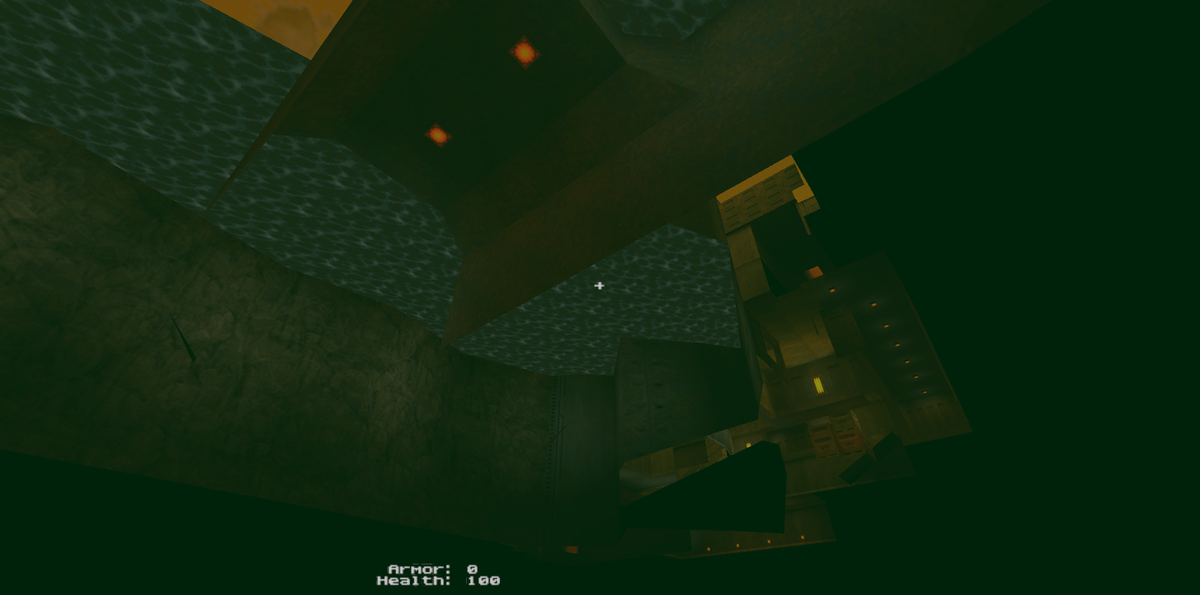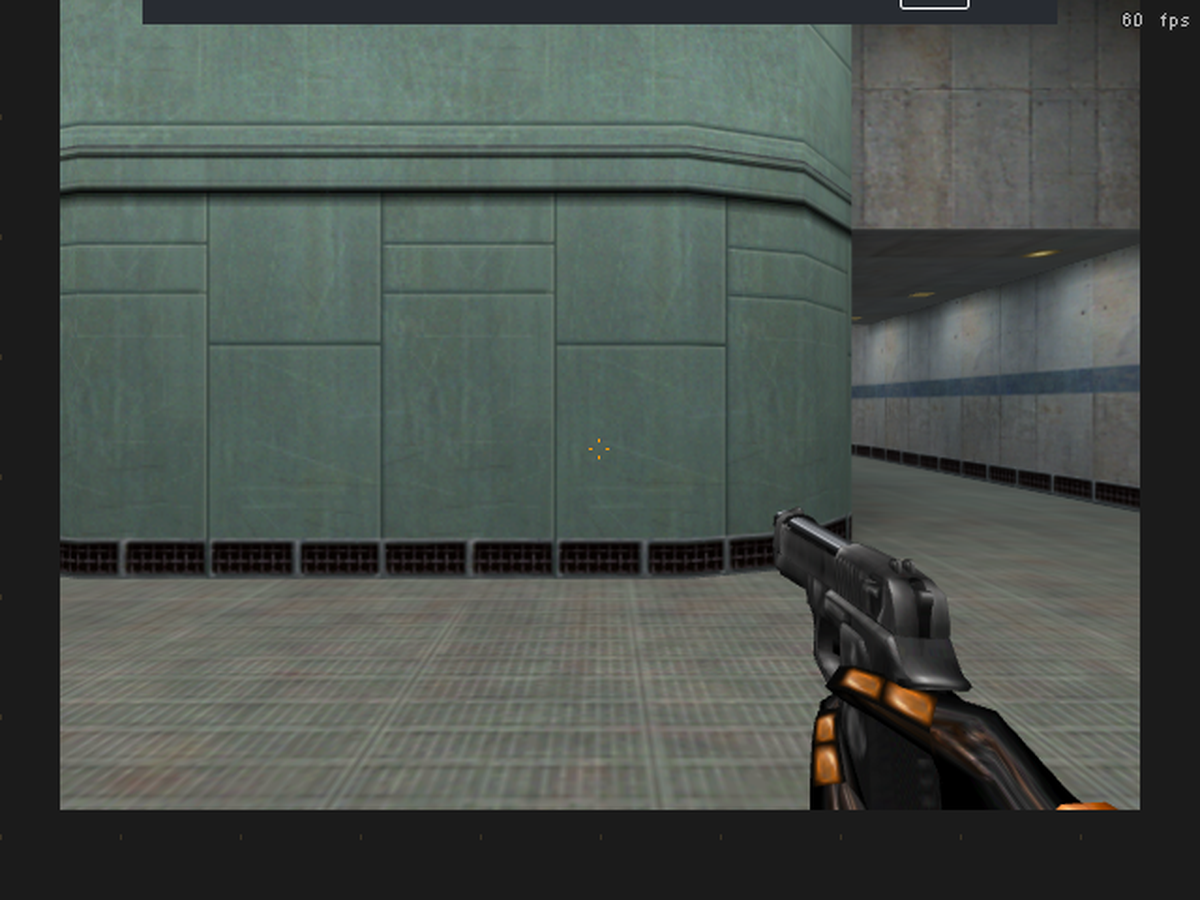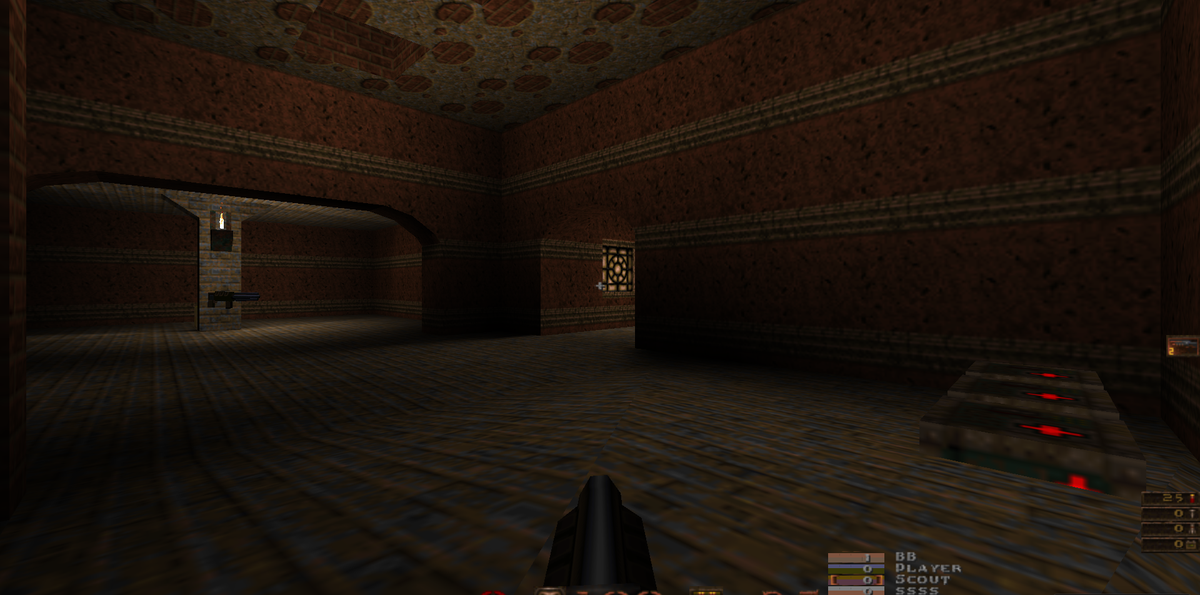
QuakeWorld rendered gameplay view with shotgun weapon model after dismissing menu. Multiplayer connection failed; movement not verified in this session.
Requirements and unknowns
What you are opening
QuakeWorld in the browser at q1.pieter.com is an unofficial, non-commercial preservation project by pieter.com, powered by FTE. Rather than installing a native client or managing local engine files yourself, you launch straight from a browser tab. TabGameHub links to the developer's page; the game runs entirely on that site.
If you want to compare the rest of the series, check our Play Quake in your browser overview, which brings together QuakeWorld, Quake II, and Quake III Arena alongside related id Tech shooters in browser FPS games.
In our November 3, 2026 desktop Chrome session, entering a player name and dismissing the menu loaded a first-person view inside the start room with the shotgun model visible. Multiplayer connection failed during that test, and responsive movement or a completed match were not verified.
Start in three steps
Use the original link above. You do not need a TabGameHub account, and our entry checks did not encounter a paywall or local game-file upload prompt.
- Open q1.pieter.com in a desktop browser, enter a player name on the start page, and select Play.
- Allow the FTE engine and map data to load. Our recorded sessions showed a waiting-for-connection screen before the rendered start scene and main menu appeared.
- Press Escape if the menu stays closed or needs reopening, then review Options before picking Single Player or Multiplayer. Our main-menu check observed Single Player, Multiplayer, Options, and Help/Ordering.
- Click inside the game canvas so your browser grants pointer lock for mouse look before testing movement or aiming.
Single Player vs Multiplayer options
Our menu inspection observed four main menu entries: Single Player, Multiplayer, Options, and Help/Ordering. That separates solo start rooms from online server connections, even though both launch through the same browser engine.
Because the multiplayer connection failed in our November 3 capture session, live server availability, ping stability, and full match completion remain unverified here. If an online lobby times out, switching back to Single Player or checking your browser's WebSocket and network rules is the quickest way to isolate server issues from local graphics loading.
If it is still connecting
First identify which stage has stalled: the project's name-entry page, WebAssembly engine loading, or the waiting-for-connection screen. Those are separate steps, so a loaded start page does not mean the game engine or server connection has finished.
In our earlier session, the waiting-for-connection screen eventually gave way to a rendered scene and main menu. We have not measured a reliable loading duration across connections, nor established that a specific refresh or cache reset fixes a stalled room. If loading freezes, note the exact stage and browser details in a correction report.
Find your input settings
Open Options from the main menu to inspect and rebind keys for your keyboard and mouse. We used Escape to dismiss the menu in our capture session and attempted W and Space earlier, but did not record enough continuous movement to publish independently verified gameplay controls.
Classic desktop Quake setups typically pair WASD or arrow keys for movement with mouse look and left-click fire; treat the table below as common baseline defaults to check inside Options on q1.pieter.com.
QuakeWorld browser questions
Quick answers separating what TabGameHub observed on q1.pieter.com from features that remain outside our test scope.
What this check covers
TabGameHub inspected the start page on October 10, 2026 and captured a first-person start room view with the shotgun model in desktop Chrome on November 3, 2026. We did not verify responsive movement, a completed match, multiplayer reliability, save persistence, mobile input, or frame-rate performance across hardware.
Our recorded observation
Desktop Chrome on Linux. · 2026-11-03 · Level: gameplay
- Enter player name and select Play.
- Wait for engine load and connection.
- Dismiss menu with Escape to see first-person gameplay view.
- Capture gameplay frame with shotgun visible in start room.
Destination observed: https://q1.pieter.com/play?name=GameHubCheck. Access can change after a check; this is not a live status monitor.
Report a problemGo straight to the source.
- QuakeWorld browser project Page observed: 2026-10-10