Halo: Combat Evolved Web: Browser Start & Setup Guide
Mitchell Hynes’s Halo browser project, with a game display, focus controls and a keyboard mapping panel. Our desktop visit reached engine loading; gameplay remains unchecked.
By GameHub editorial · Content updated 2026-10-10 · Page checked 2026-10-10
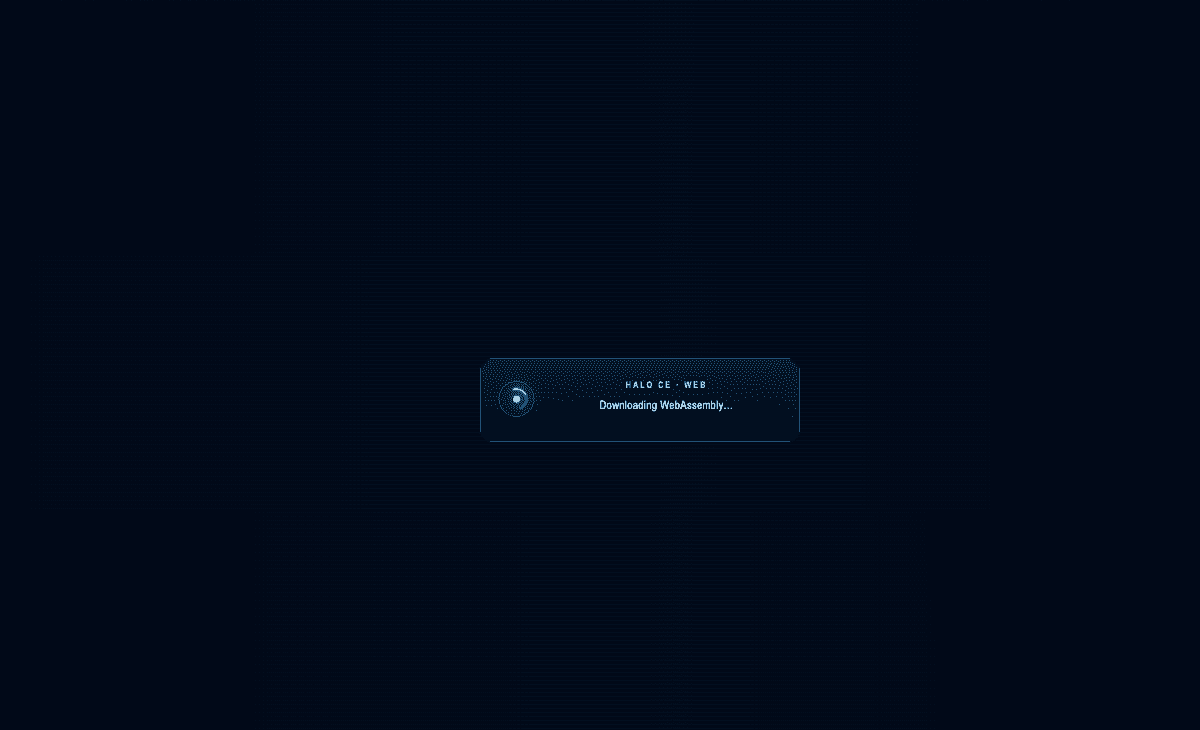 Start page capture
The Halo page redirected to /halo/halo.html and showed a game display, Focus game, mute/fullscreen controls and a keyboard map. A downloading-WebAssembly overlay and a COOP/COEP notice were observed. No responsive gameplay was established.
Requirements and unknowns
What this project is
This is the Halo browser project at mitchellhynes.com. It has its own interface and is separate from HCEMobile.
Where to start
Use the original project link above. The game runs on that site.
- Open the project and allow its WebAssembly engine to load.
- Use Focus game or click the display when the game is ready to capture mouse input.
- Consult the on-page mapping: WASD for movement, mouse for aiming and Space for the A button. These are project instructions.
Before troubleshooting
Our visit showed a COOP/COEP header notice alongside engine loading. If it remains blank, report the exact notice and browser; changing a GameHub setting cannot fix the host’s headers.
Our recorded observation
Desktop Tabbit / Chromium on macOS, 1280 × 800 viewport; entry-page inspection, not a mobile-device test. · 2026-10-10 · Level: page
- Open the original project and identify the rendered entry or setup interface.
- Read visible start choices and requirements; do not supply files, create an account or join a match.
Destination observed: https://mitchellhynes.com/halo/halo.html. Access can change after a check; this is not a live status monitor.
Report a problemGo straight to the source.
- Halo: Combat Evolved Web original project Page observed: 2026-10-10