Halo CE Mobile: Browser Start & Setup Guide
A separate Halo browser project with touch and controller options. It requires your own Xbox Halo disc image; an account is needed for its online mode, according to the project.
By GameHub editorial · Content updated 2026-10-10 · Page checked 2026-10-10
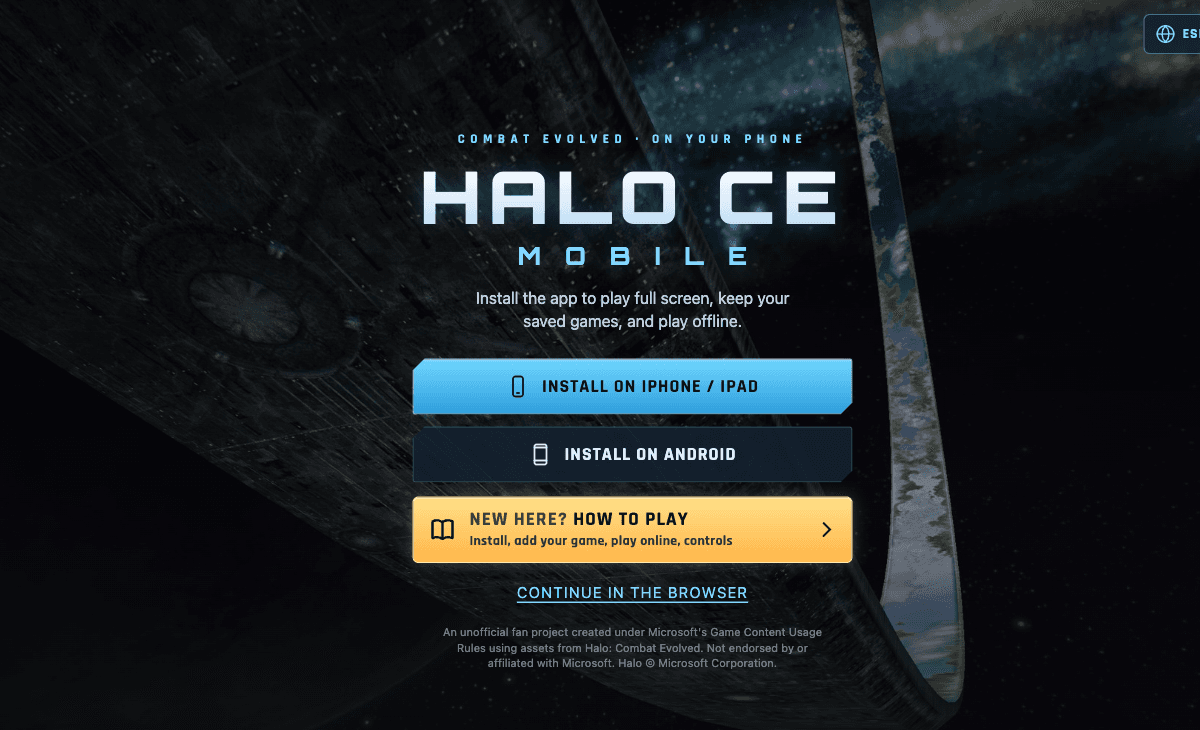 Start page capture
The landing page and underlying Game data instructions rendered. Continue in the browser, own-disc-image setup and online-account requirements were identified. No installation, file import, account creation or gameplay was performed.
Requirements and unknowns
What this project is
HCEMobile offers an optional installed-app route and a Continue in the browser route. It is an unofficial fan project.
Where to start
Use the original project link above. The game runs on that site.
- Choose Continue in the browser if you want the browser route.
- Prepare your own Xbox Halo: Combat Evolved .iso or .xiso and follow the project’s Game data importer.
- Choose a mode after importing. The project says campaign, split screen and System Link do not require its online account.
Before troubleshooting
The project warns that copied map data can use up to 1.8 GB of browser storage. We did not import a disc image or test touch input, offline play or saving.
Our recorded observation
Desktop Tabbit / Chromium on macOS, 1280 × 800 viewport; entry-page inspection, not a mobile-device test. · 2026-10-10 · Level: page
- Open the original project and identify the rendered entry or setup interface.
- Read visible start choices and requirements; do not supply files, create an account or join a match.
Destination observed: https://hcemobile.com/. Access can change after a check; this is not a live status monitor.
Report a problemGo straight to the source.
- Halo CE Mobile original project Page observed: 2026-10-10