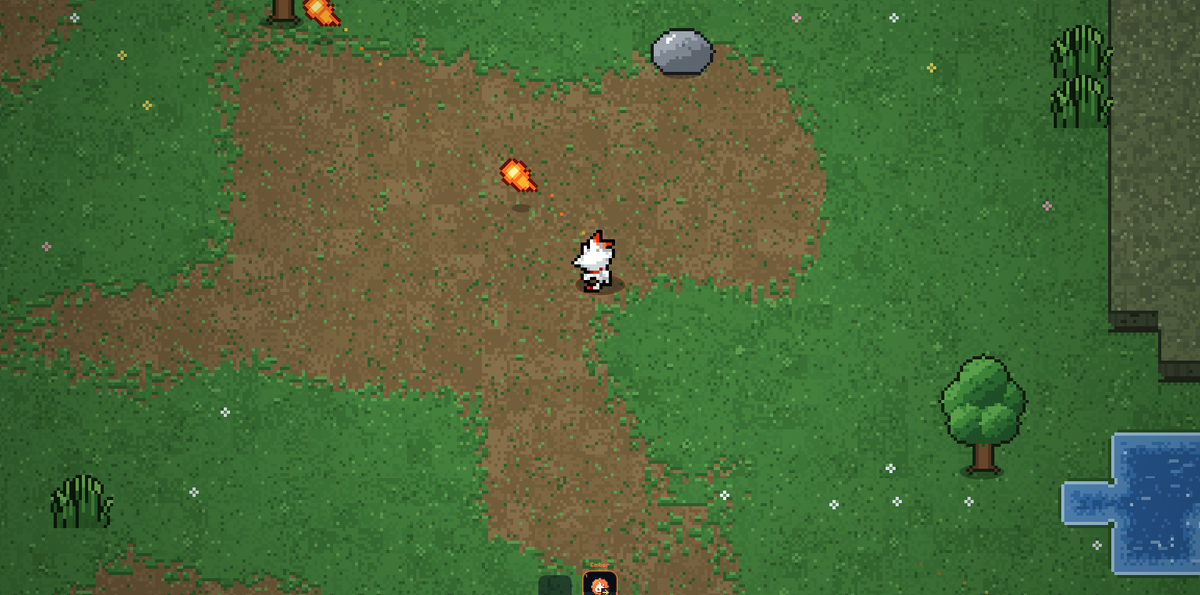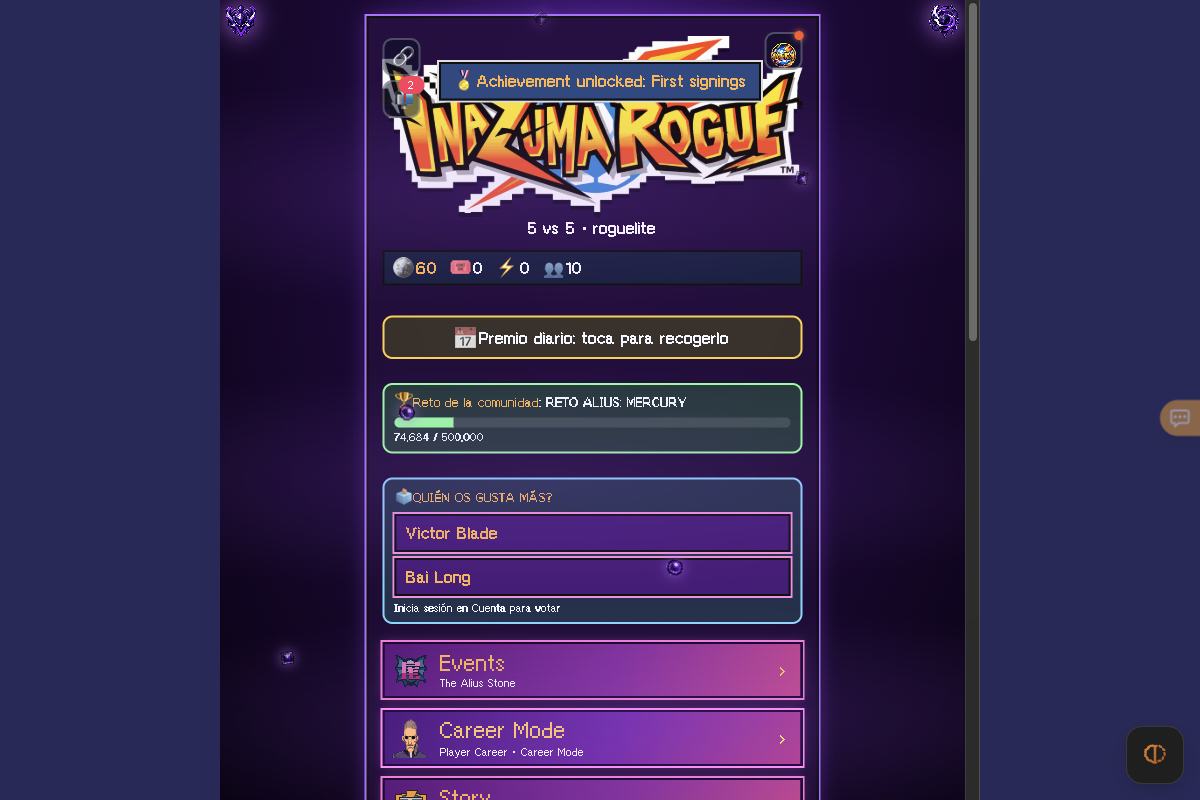
Guest onboarding and the full English mode hub loaded cleanly with complete control and mode documentation. Live 5v5 match simulation, online Private rooms, controller input and mobile touch gameplay were not tested past the hub.
Requirements and unknowns
What is Inazuma Rogue?
Inazuma Rogue (currently v0.73.9.11 at franmndezzzz.github.io/Inazuma-Rogue/juego/) is a free, unofficial fan-made 5v5 football roguelite inspired by Inazuma Eleven. You draft and train a squad using in-game pulls and bolts, trigger special moves, and run through Career, Story, Tower, Draft and Endless modes right in a browser tab.
TabGameHub links straight to the creator's GitHub Pages release and hosts no game files. As the Settings footer notes, Inazuma Rogue is an unofficial fan project and Inazuma Eleven belongs to Level-5.
How to start in English as a guest
TabGameHub checked the game on November 16, 2026 in desktop Chrome without creating an account. Opening the root URL redirects straight into the web player:
- Open franmndezzzz.github.io/Inazuma-Rogue/juego/ in your browser; no download or emulator is required.
- Click or press a key on the intro prompt, or hit Skip ▶▶ in the corner to jump straight to the Welcome screen.
- Choose English (or Español / Italiano) in the language selector on the Welcome card.
- Click Welcome pull ×10 to sign your starter 10-player squad (guaranteed goalkeeper and at least one epic or better, plus 60 training coins) and enter the mode hub as a guest.
- Open Account and settings → Settings at any time to adjust match length (2, 3 or 5 minutes), special-move slow motion, language and custom controls.
PC keyboard, controller and touch controls
These bindings come directly from Settings → Controls guide inside Inazuma Rogue v0.73.9.11 (PC also offers New with K shoots, Classic with L shoots, or Custom remapping):
Game modes and local vs cloud saves
From the main hub you can enter Events (The Alius Stone), Career Mode (Player Career & Career Mode), Story & Original Story, Chains (Special teams, Endless, Endless match, Tower, Draft), Hillman's House (Evolutions & Coach Challenges) and friend multiplayer via Private room (1v1), Leagues or Private tournament.
Guest saves stay on your current device only; optional cloud accounts let you recover progress across devices or vote in community polls. All player pulls use non-monetized in-game tickets and coins.
Related football and fan-made roguelite games
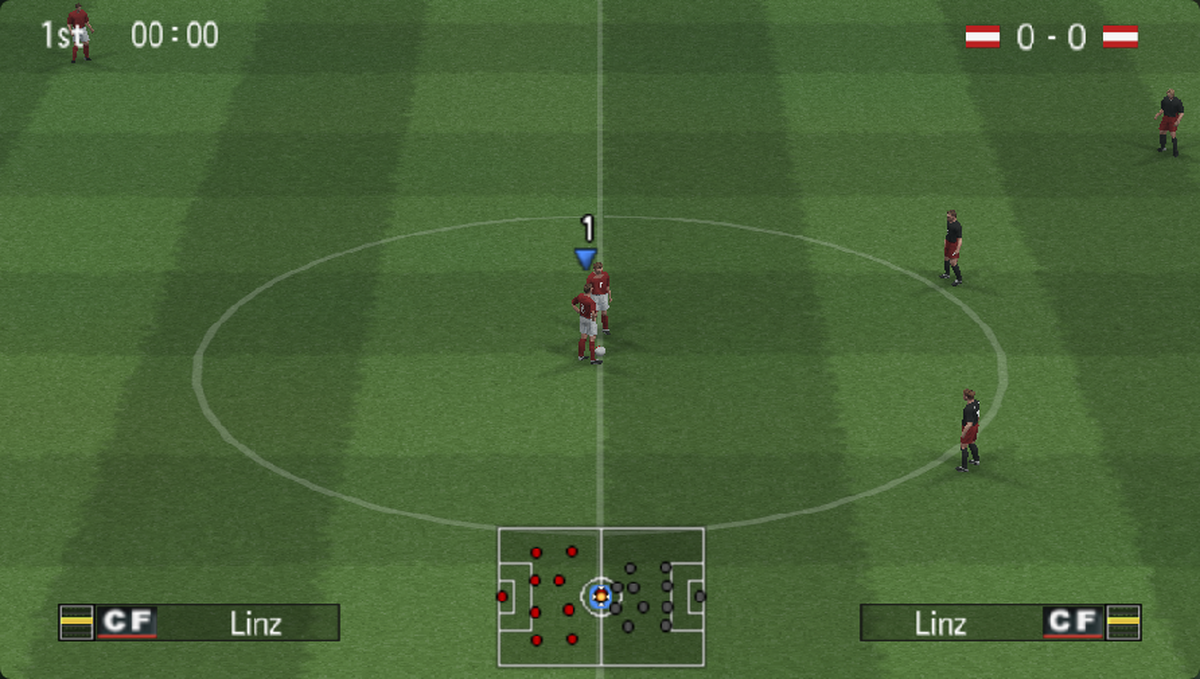
If you enjoy browser football games, check out PES 6 Web Online for classic 11v11 football in a browser tab or Daily Red for a daily fan-made Pokémon battle challenge.
For more roguelite runs and fan-made tributes, try PokéSurvivor, PokéBonk and DirtBound, or browse Indie and fan-made games.
Inazuma Rogue questions, answered
Answers verified against the live v0.73.9.11 client at franmndezzzz.github.io/Inazuma-Rogue/juego/ during our November 16, 2026 desktop check.
Sources and our check
TabGameHub tested franmndezzzz.github.io/Inazuma-Rogue/ on November 16, 2026 in Desktop Chrome 156 on macOS (1200 × 800, guest session). We confirmed the redirect to /juego/, skipped the intro, completed the guest Welcome pull ×10, inspected the v0.73.9.11 mode hub and read the full Settings controls guide and fan-game disclaimer.
We did not play a live 5v5 match, test Private room multiplayer, connect a physical controller or test on a phone. How we check games explains our verification boundaries.
Our recorded observation
Desktop Chrome 156 on macOS, 1200 × 800 viewport, mouse. No account signed in. · 2026-11-16 · Level: menu
- Open franmndezzzz.github.io/Inazuma-Rogue/ and confirm it redirects cleanly to /Inazuma-Rogue/juego/.
- Skip the opening cutscene via Skip ▶▶ and confirm the Welcome screen offers Español, English and Italiano toggles plus guest entry ('Welcome pull ×10') and optional cloud account recovery.
- Complete the free guest Welcome pull ×10 (10 players + 60 training coins) and press Continue to reach the v0.73.9.11 mode hub (Events, Career Mode, Story, Chains/Endless/Tower/Draft, Private room, Leagues, Private tournament, Hillman's House, Squad, Gacha).
- Open Account and settings → Settings to inspect full PC keyboard bindings, Xbox/PlayStation/generic controller support, mobile touch overlay options, language switching and the creator's fan-game disclaimer.
Destination observed: https://franmndezzzz.github.io/Inazuma-Rogue/juego/. Access can change after a check; this is not a live status monitor.
Report a problemGo straight to the source.
- Inazuma Rogue — official browser game (franmndezzzz.github.io) Page observed: 2026-11-16
- Inazuma Rogue web client v0.73.9.11 — modes, controls & disclaimer Page observed: 2026-11-16