All five tests, scoring, radar chart, Archive picker, Share button and Practice entry worked cleanly without login or downloads. Mobile touch controls and large-screen (>= 1320 × 680) ad rendering were not tested.
Requirements and unknowns
What is Perceptle?
Perceptle (at perceptle.com) is a free daily browser game created by Tucker Gardner. Instead of testing vocabulary or trivia, it tests raw visual, spatial and timing instincts across five quick mini-challenges that take about two minutes to finish.
Perceptle blocks third-party iframe embedding (SAMEORIGIN / frame-ancestors 'self'), so TabGameHub links directly to perceptle.com and hosts no game files or daily answers. TabGameHub is independent of Tucker Gardner and Perceptle.
Where to play: official perceptle.com vs lookalike sites
After short-form videos drove a surge of searches for where to play Perceptle in a browser, several lookalike domains appeared with altered test counts or copied layouts. Use the checklist below to make sure you are on the original game:
How to play the five daily tests
Each run steps through five labeled events in the same order. On desktop, click Ready before each test to begin:
- 1. Count: Dots flash on screen for two seconds after a 3-2-1 countdown. Type your estimate into the numeric input box and press Submit.
- 2. Track: Watch a white ball arc across the screen and disappear mid-flight, then click along the horizontal line where you think it will land.
- 3. Angle: Drag the circular handle to swing the line to the requested counterclockwise degree from the dashed horizontal line, then release to lock it in.
- 4. Tempo: Tap along with the beat using the Spacebar or mouse clicks. After 4 on-beat taps the clicks stop; keep tapping steadily for 8 more beats (12 taps total).
- 5. Split: Press, slide and release along the horizontal line segment to mark the requested fraction (for example, 7/12 from the left end).
Scoring, Archive and Practice mode
Every event awards an integer score from 0 to 100 along with a letter grade (such as S for near-perfect accuracy down through C and F) and a per-test percentile showing what percentage of players you beat. Your final score is the average of all five events out of 100—not a 500-point sum—plotted on a five-axis radar chart beside the day's player count and average.
From the home or results screen, open Archive to replay missed puzzles starting from #1 (July 18), where Friday editions are marked with a joker icon. Select Keep playing to launch PERCEPTLE practice for unlimited rounds that are never saved to local storage or the server. On finished daily or archive puzzles, Share copies your spoiler-free summary to the clipboard.
More daily browser games on TabGameHub
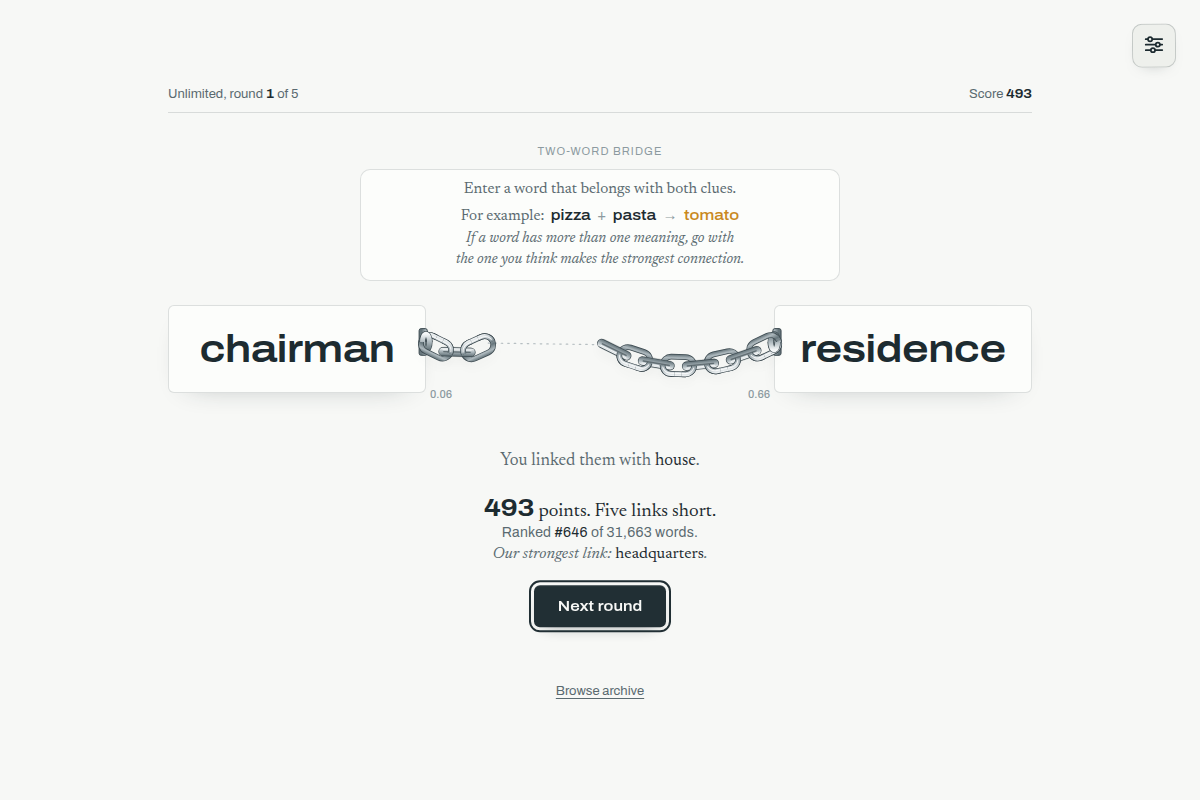
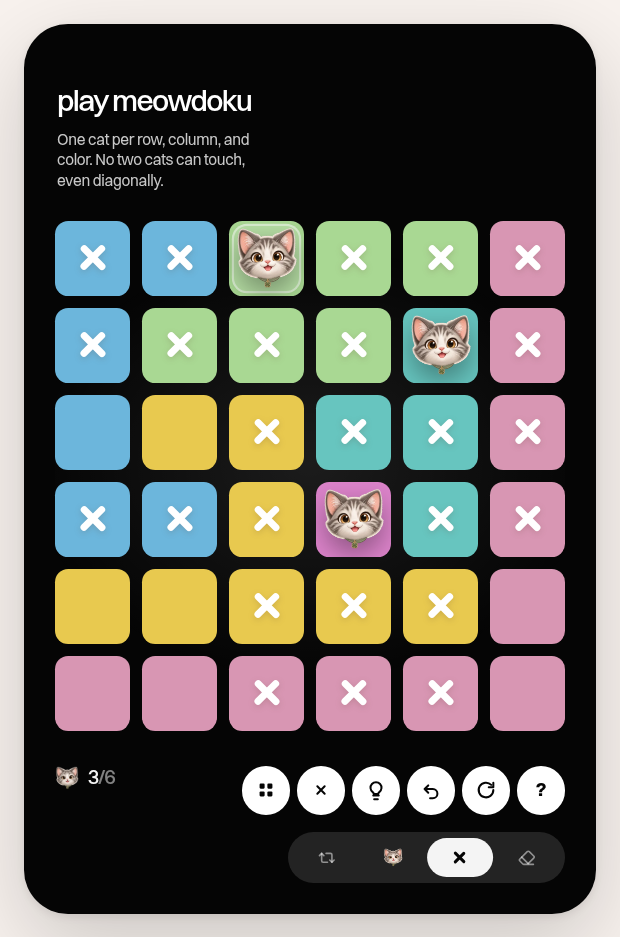
If you want more two-minute daily challenges in a browser tab, try Daily Orbs for four quick daily puzzles, Chainle for a daily word-chain game or Meowdoku for cat-themed Sudoku.
For geography and map challenges, check Farflung and MapTap, or browse all Indie and fan-made browser games.
Perceptle questions, answered
Answers verified directly on perceptle.com and perceptle.com/privacy.html (updated November 20, 2026) during our November 21, 2026 check.
Sources and our check
TabGameHub tested perceptle.com on November 21, 2026 in Desktop Chrome on macOS (1200 × 800, no account signed in). We verified the #127 landing page, played all five tests of Archive puzzle #125 to the final radar-chart results screen (without spoiling today's #127), checked Share, Archive and Keep playing practice entry, and reviewed privacy.html.
We did not test mobile touch controls or large-screen (>= 1320 × 680) AdSense ad rendering. How we check games explains our verification standards.
Our recorded observation
Desktop Chrome on macOS, 1200 × 800 viewport, mouse and keyboard. No account signed in. · 2026-11-21 · Level: gameplay
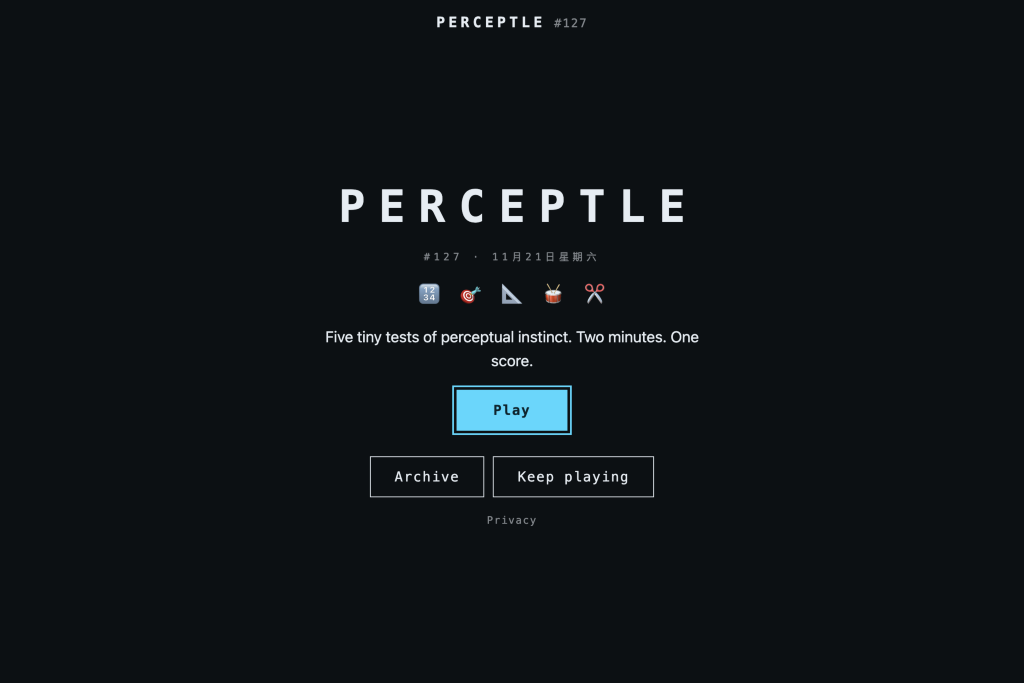
- Open perceptle.com as a guest and confirm puzzle #127 (Nov 21, 2026), tagline ('Five tiny tests of perceptual instinct. Two minutes. One score.'), Play, Archive, Keep playing and Privacy links, with no ads at 1200 × 800.
- Open Archive (puzzles #1 from July 18 through #127, with Fridays marked by a joker icon) and play Archive puzzle #125 (Nov 19) to completion so today's #127 remains unspoiled.
- Complete all five events in order: Count (2-second dot flash + numeric input), Track (click landing spot of arcing ball), Angle (drag handle to target counterclockwise angle), Tempo (4 synced taps + 8 continued beats via Space or mouse) and Split (slide marker to target fraction on a line).
- Verify the results screen (0–100 integer score and letter grade per test, overall average out of 100, 5-axis radar chart, percentile comparison against 112,463 players on #125, Share copy toast and links to PetGuessr and Cloverpatch), then inspect Keep playing (practice mode) and privacy.html (updated November 20, 2026).
Destination observed: https://perceptle.com/. Access can change after a check; this is not a live status monitor.
Report a problemGo straight to the source.
- Perceptle — official daily browser perception game (perceptle.com) Page observed: 2026-11-21
- Perceptle Privacy Policy (updated November 20, 2026) Page observed: 2026-11-21