Official site structure and guides observed. Big Kid Nation's Pokemon Arena 2D confirmed as separate unreleased product. TabGameHub did not capture gameplay, enter a match or test on a phone.
Requirements and unknowns
What is Pokemon 2D Arena / Poke2D Arena?
Poke2D Arena is a free unofficial real-time Pokémon-style 2D arena fan game in the browser. You build a team of three Pokémon, choose custom moves and fight CPU opponents, play Story Mode or battle friends online at poke2darena.com. It is unofficial and not made by Nintendo or The Pokémon Company.
The combat is real-time action — move, aim, dash, switch and fire skills — not classic turn-based. You control one active Pokémon at a time and can switch between your three during a match.
The project says it is free with advertising, needs no account, and saves progress in your browser. TabGameHub links to the game's own page at poke2darena.com. We did not capture gameplay or complete a match, so mode and control details here come from the project's own guides observed on November 3, 2026.
Not Big Kid Nation's Pokemon Arena 2D
This page covers Poke2D Arena at poke2darena.com, which is playable now. Big Kid Nation and Fabled Apps market a different product also called Pokemon Arena 2D. That game was still unreleased as of late October 2026; their public messaging pointed to a beta planned for December 2026 per Instagram.
Do not confuse the two. Poke2D Arena runs in your browser today. Big Kid Nation's game is a separate project with its own development and release timeline. Search results for pokemon 2d arena or pokemon arena 2d may show both products; check the domain carefully.
How to play in your browser
These steps follow the project's own guides and our page check.
- Open poke2darena.com/play-online/ with the Play button on this page or directly in your browser.
- Wait for the game to load assets. The project says internet connection is required.
- Pick a mode from the menu: Quick Battle jumps in fast, Vs CPU lets you customize your team, Story Mode follows four chapters, Online opens multiplayer rooms.
- No install or account is needed according to the project. Progress saves in your browser storage.
Quick Battle, Vs CPU, Story Mode and Online
The project lists four main modes. Quick Battle starts first matches with a Pikachu training path then random 3v3 on Normal difficulty; it does not overwrite custom teams. Vs CPU lets you pick three Pokémon, custom moves, arena and difficulty (Easy, Normal or Hard).
Story Mode has four chapters—First Tide, Green Lines, Cold Signal and Last Light—with sixteen solo challenges according to the project's release notes. Badges, achievements and best times save in the browser. Story battles use recommended moves, not custom movesets. A continue-story flow was added on October 31, 2026.
Online offers two-player rooms (public list, six-character code or private invite link) and three-player Free-for-All private rooms with spectator after knockout. Rematch flow is available. No account is required. Quick Match Soon is not yet live matchmaking. The project warns one online tab per browser; old EMPRESS1 invites do not join current rooms.
Teams, moves and arenas
The project says you build a team of three Pokémon with one active at a time. Real-time combat uses 18 types with strengths, resistances and immunities. Six arenas are available: grass, forest, seaside, volcano, ice and ruins according to the home page.
Your Teams in the menu lets you save up to three teams in browser storage. Each Pokémon can have custom moves or use recommended moves. We did not test team building or switching in a match.
Desktop and phone controls
The project's controls guide lists these desktop bindings. We did not verify them in a live match. Mobile has on-screen joystick and skill buttons, drag-to-aim, tap team bar to switch, and Settings for button size S/M/L, left-handed layout, aim assist, sound and reduced flashing.
Play with friends
To play online with a friend, open the Online menu (not Quick Battle). Create a private room and share the invite link, or use a six-character room code. Public rooms also appear in a lobby list according to the multiplayer guide.
Three-player Free-for-All private rooms are available; after knockout, you spectate. Rematch flow lets you run it back without leaving. The project says one online tab per browser and warns that old EMPRESS1 edition invites do not work with current rooms.
Won't load, no sound, progress missing
If the page stays blank or loads indefinitely, check that your browser allows ads and scripts from poke2darena.com. The project uses advertising and site data for local progress.
Online play needs a stable connection. If your match disconnects or lags heavily, try closing other tabs or checking your network.
Progress and teams save in browser storage. Clearing site data or switching browsers will wipe local story progress and custom teams. The project added continue-story flow on October 31, 2026, but older saves may not transfer.
If the game updates and you see old content, refresh the page or clear cache. No download or APK is required for this browser edition.
Related Pokémon browser games on TabGameHub
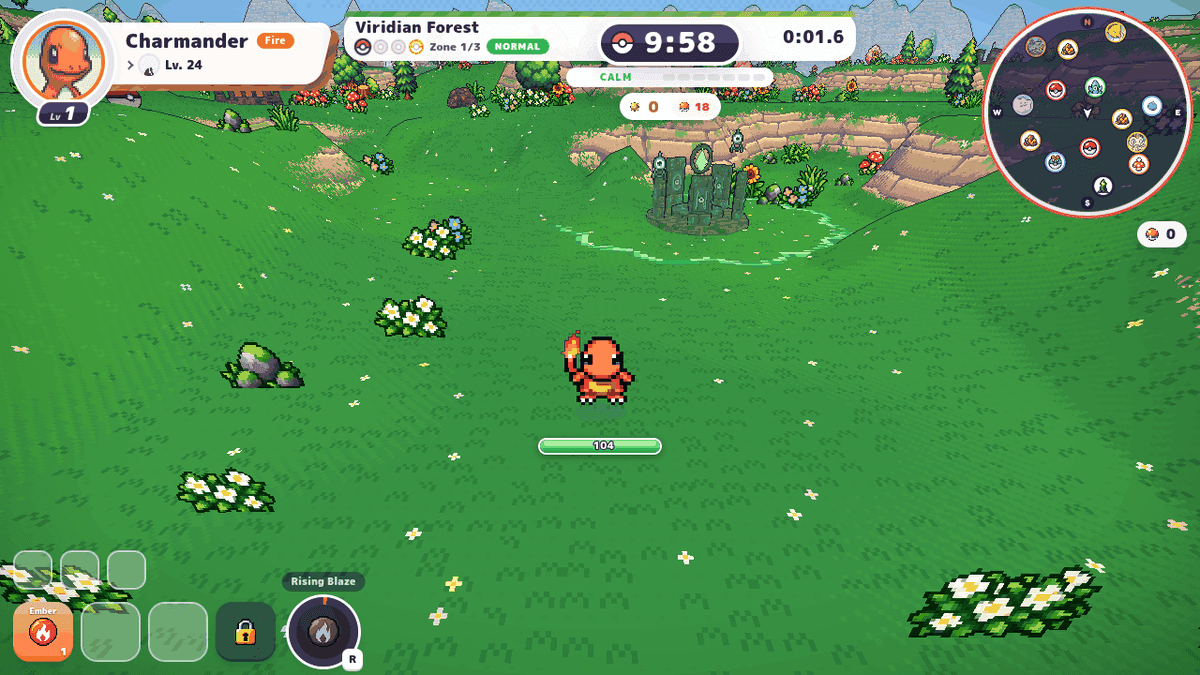
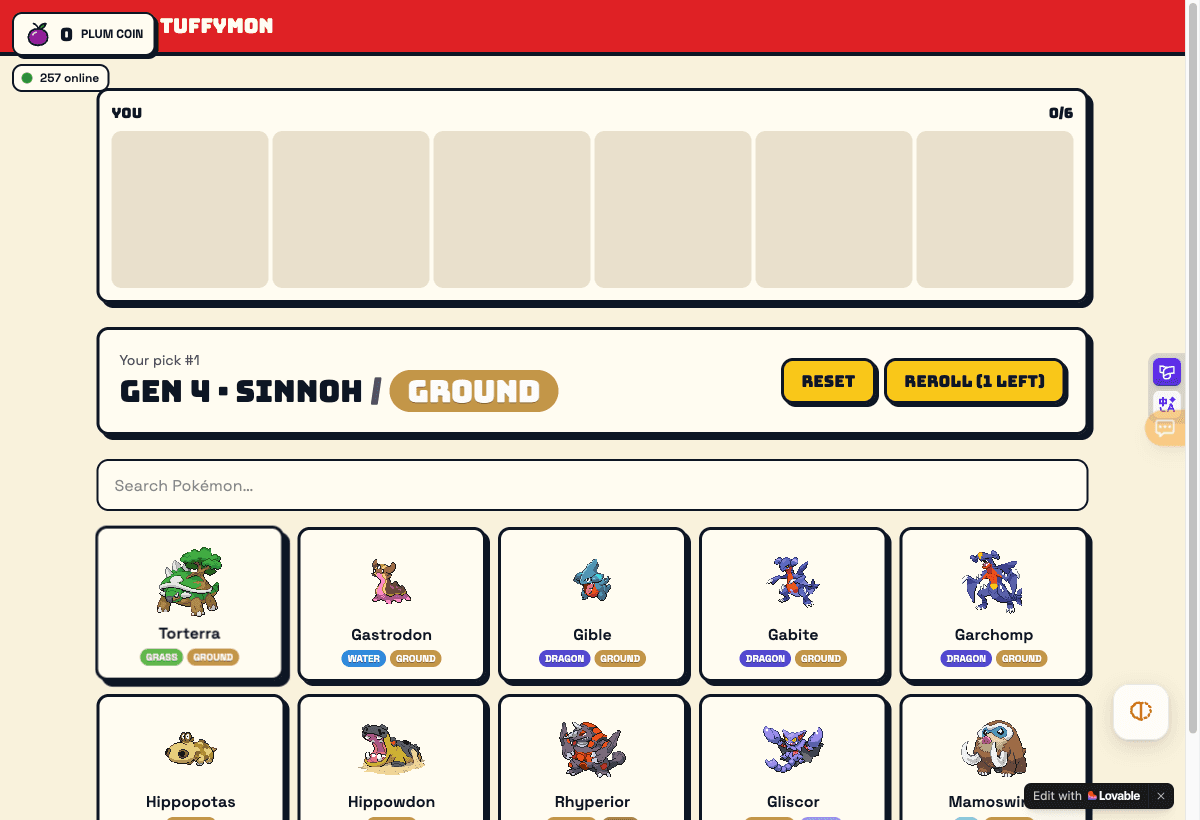
Poke2D Arena is real-time arena battling. Other Pokémon fan games in the browser have different genres. PokéBonk is a 3D survivor-style run; see our PokéBonk page. PokéSurvivor is another survivors game; see PokéSurvivor. TuffyMon is a Pokémon-style survival run; see TuffyMon.
These games are all unofficial fan projects and not affiliated with Nintendo or The Pokémon Company.
Official? Free? Legal?
Poke2D Arena is an unofficial fan project using Pokémon intellectual property. Nintendo and The Pokémon Company own the IP. The project says it is free in the browser with advertising and no account required. We did not test purchases or verify all free-play limits.
This browser edition at poke2darena.com needs no APK. Treat third-party APKs with caution, especially ones claiming the unreleased Big Kid Nation build. TabGameHub does not host game files; we link to the project's own page.
The legal status of fan projects using commercial IP varies by jurisdiction and rightholder enforcement. This page is informational; we make no legal or safety guarantee.
Pokemon 2D Arena questions, answered
Answers based on our November 3, 2026 page check and the project's own guides.
How we checked this game
TabGameHub visited poke2darena.com on November 3, 2026 and reviewed the home page, /play-online/ structure, and official guides for controls, multiplayer and disambiguation. We did not capture gameplay, enter a match or test on a phone.
Mode lists, control tables, chapter names and online room details come from the project's own guides: /guides/how-to-play-controls/, /guides/online-multiplayer/ and /release-date/. We attribute unverified claims as per the project.
See our How we check games page for more on check levels and third-party sources.
Our recorded observation
Desktop Chrome on Linux. No real match, no phone test. · 2026-11-03 · Level: page
- Visit poke2darena.com and inspect the home page structure: modes, types, arenas and FAQ.
- Review /play-online/ page structure (full-screen app shell with minimal crawlable text).
- Read /guides/how-to-play-controls/ for desktop and mobile controls, cooldowns and team-building.
- Read /guides/online-multiplayer/ for room codes, private invites, reconnect and old EMPRESS1 warning.
- Read /release-date/ for Big Kid Nation disambiguation and update log.
Destination observed: https://poke2darena.com/. Access can change after a check; this is not a live status monitor.
Report a problemGo straight to the source.
- Poke2D Arena — marketing home with modes, types, arenas and FAQ Page observed: 2026-11-03
- Poke2D Arena — full-screen play page at poke2darena.com/play-online/ Page observed: 2026-11-03
- Poke2D Arena — official controls guide for desktop and mobile Page observed: 2026-11-03
- Poke2D Arena — official online multiplayer guide with rooms and codes Page observed: 2026-11-03
- Poke2D Arena — disambiguation and changelog page distinguishing from Big Kid Nation Page observed: 2026-11-03